
Reports and date filters
See profit by client, ad account and month, and where your ad spend went — for any period, in Bikram Sambat or English months.
2 steps2 min
Video coming soon
Follow the steps below in the meantime.
1Choose the period
The date filter at the top (Today, Yesterday, Last 7 days, This month, Last month, This year, custom) applies to the Dashboard, Reports, Payments and campaign Performance.
2Read the reports
Reports shows billed vs cost vs expected profit by month, profit by client and ad account, and a donut of where the spend went. Every chart can be opened as a table.
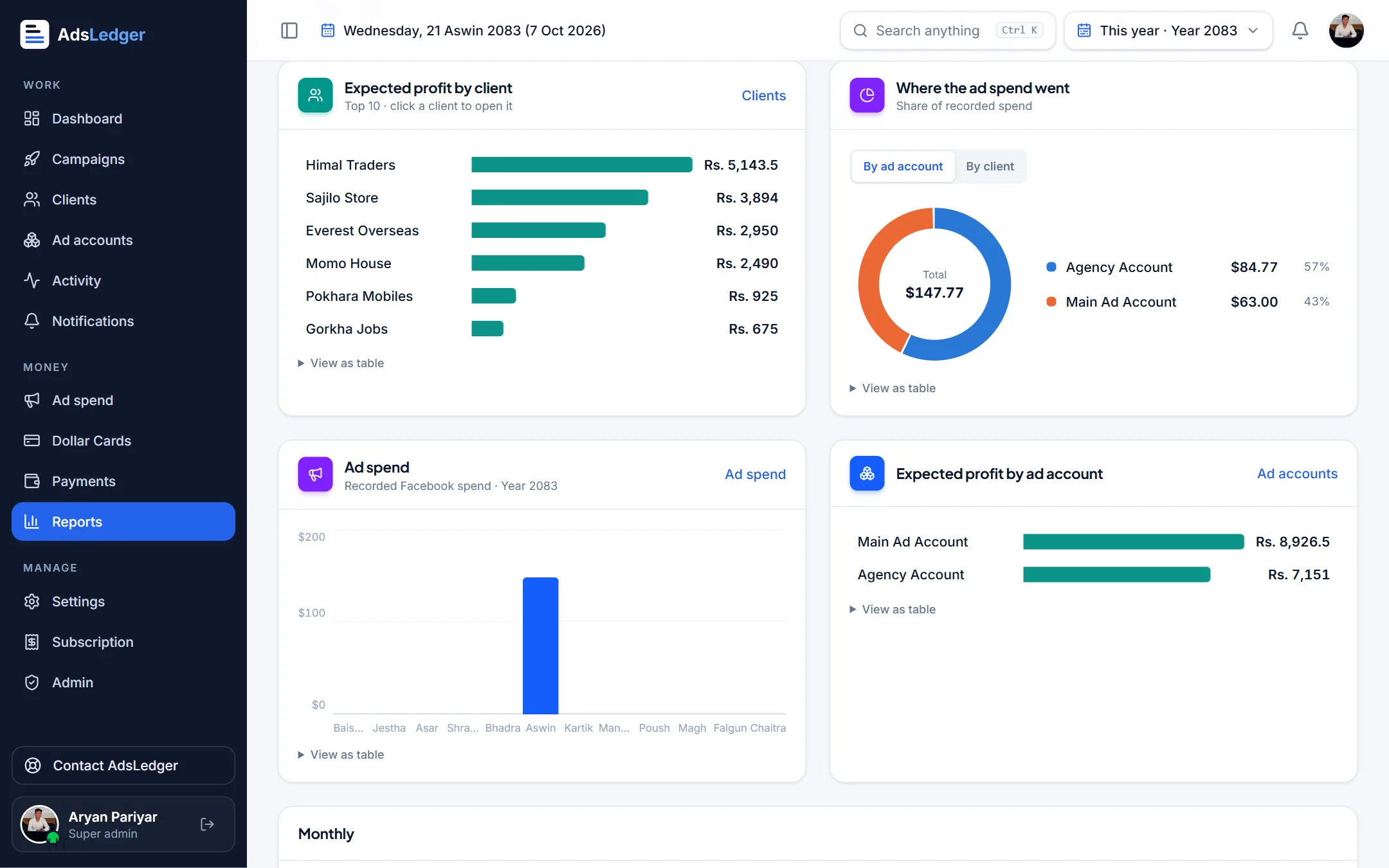
Reports: profit by client and spend by ad account · sample names

