
Tutorials
Learn AdsLedger, one step at a time
18 short guides with real screenshots — from adding your first dollar card to sending campaign results on WhatsApp. Video versions are coming.
Getting started
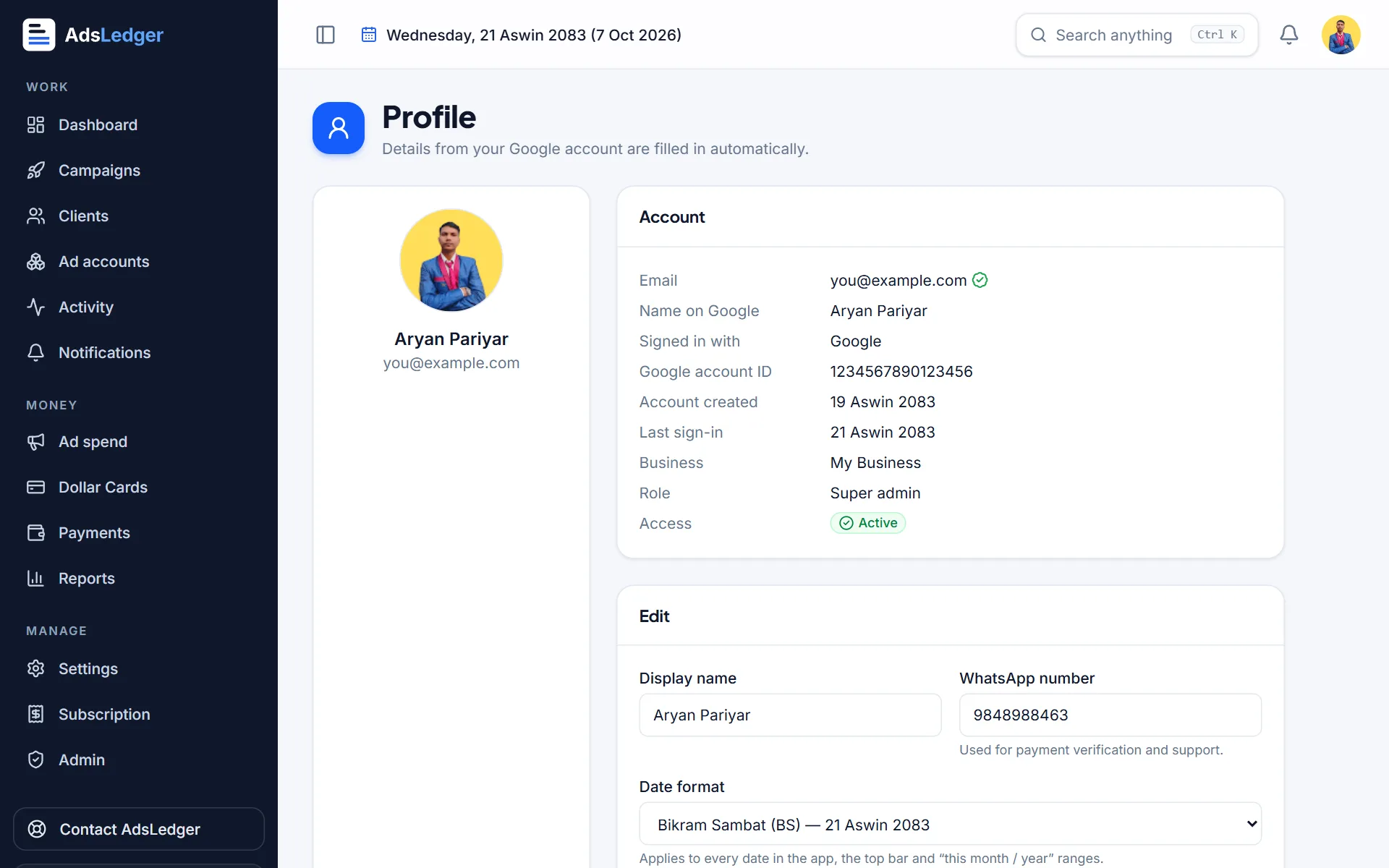
Get started with AdsLedger
Sign in with Google, get approved, choose Bikram Sambat or English dates, and find your way around the dashboard.
5 steps3 min
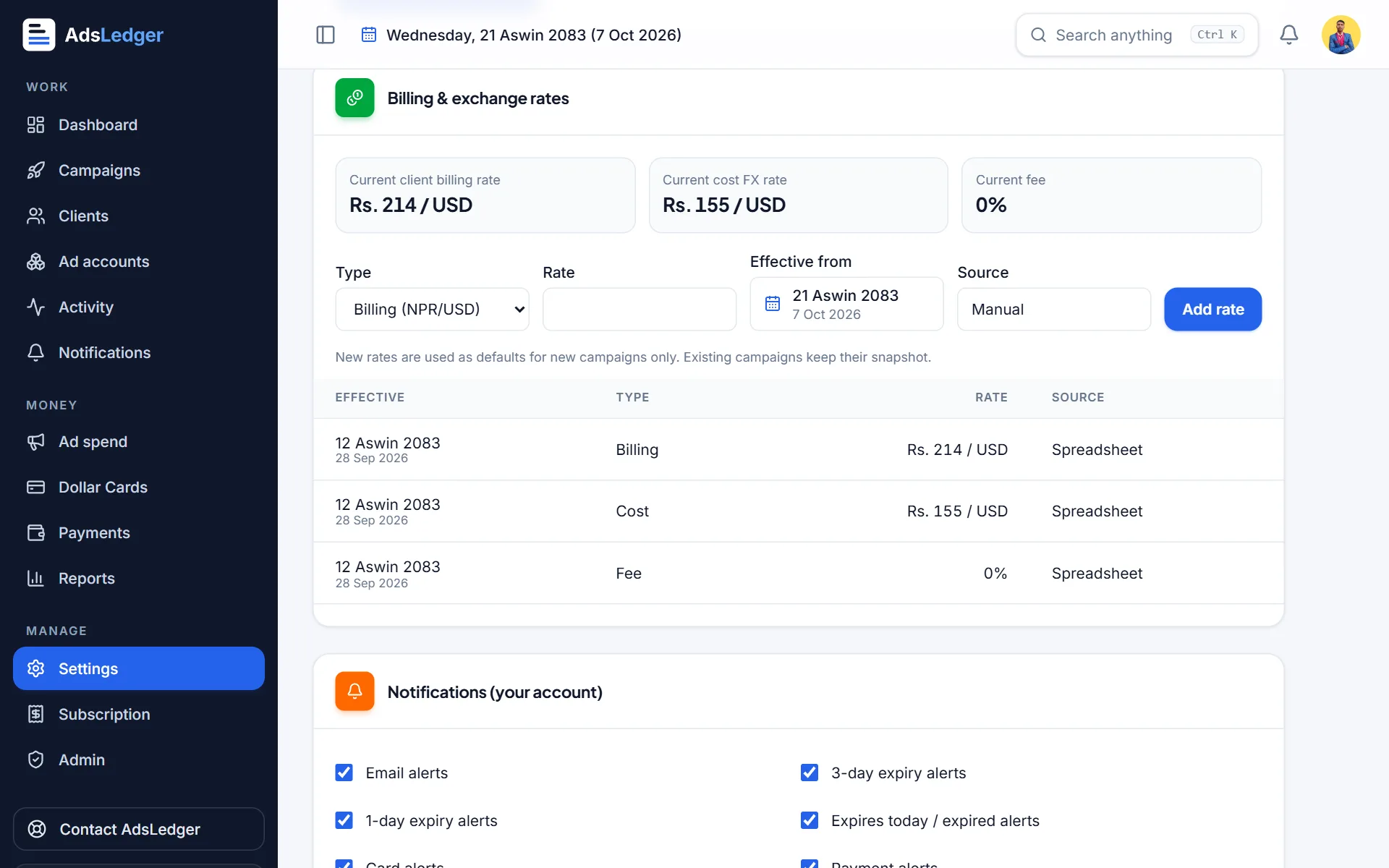
Set your billing rate, cost rate and card fee
Tell AdsLedger what you charge clients per dollar (billing rate), what a dollar costs you (cost rate) and your card fee, so every campaign's bill and profit are right.
4 steps2 min
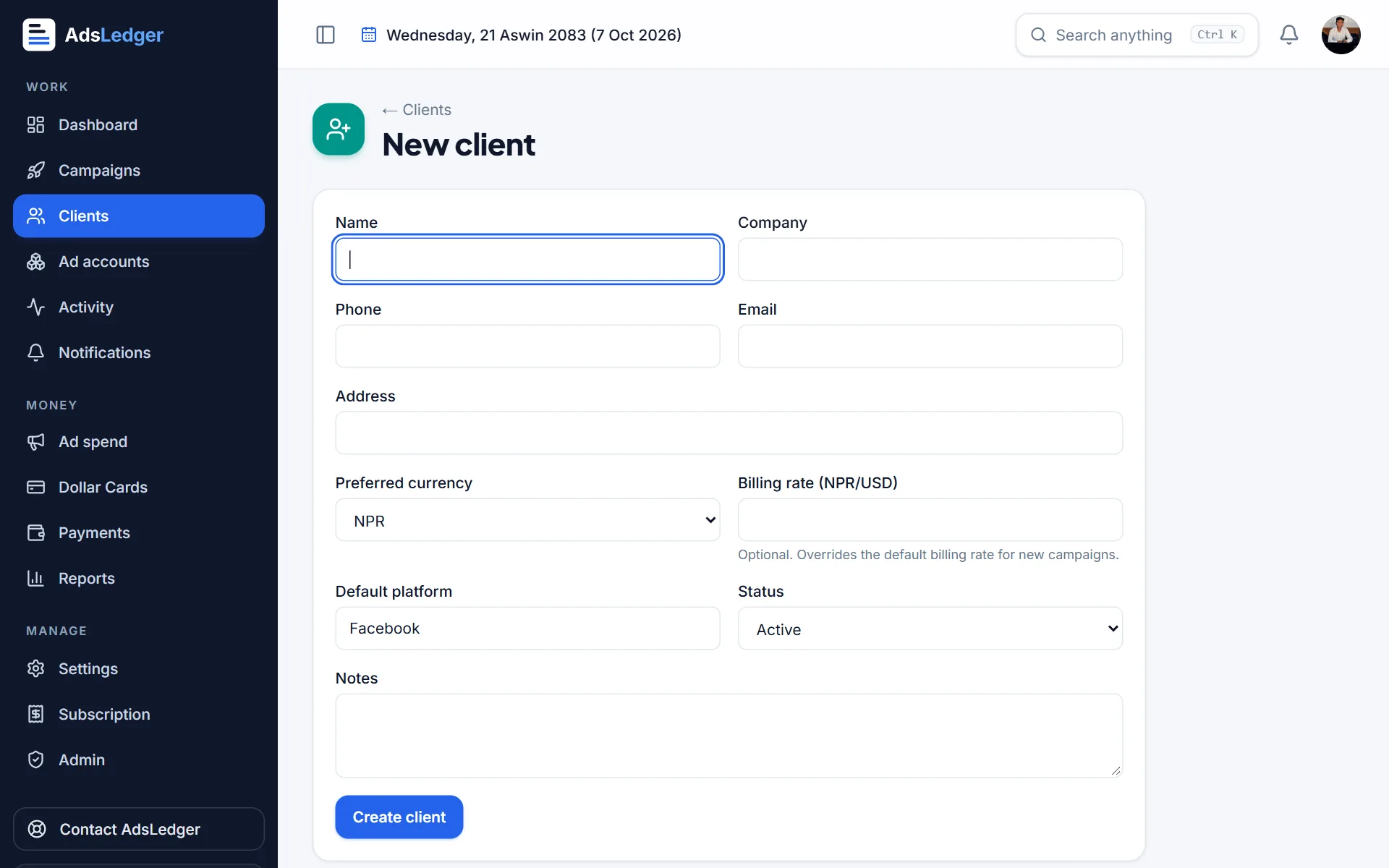
Add a client
Create a client with their phone (for WhatsApp updates) and, if they pay a different dollar rate, their own billing rate.
3 steps2 min
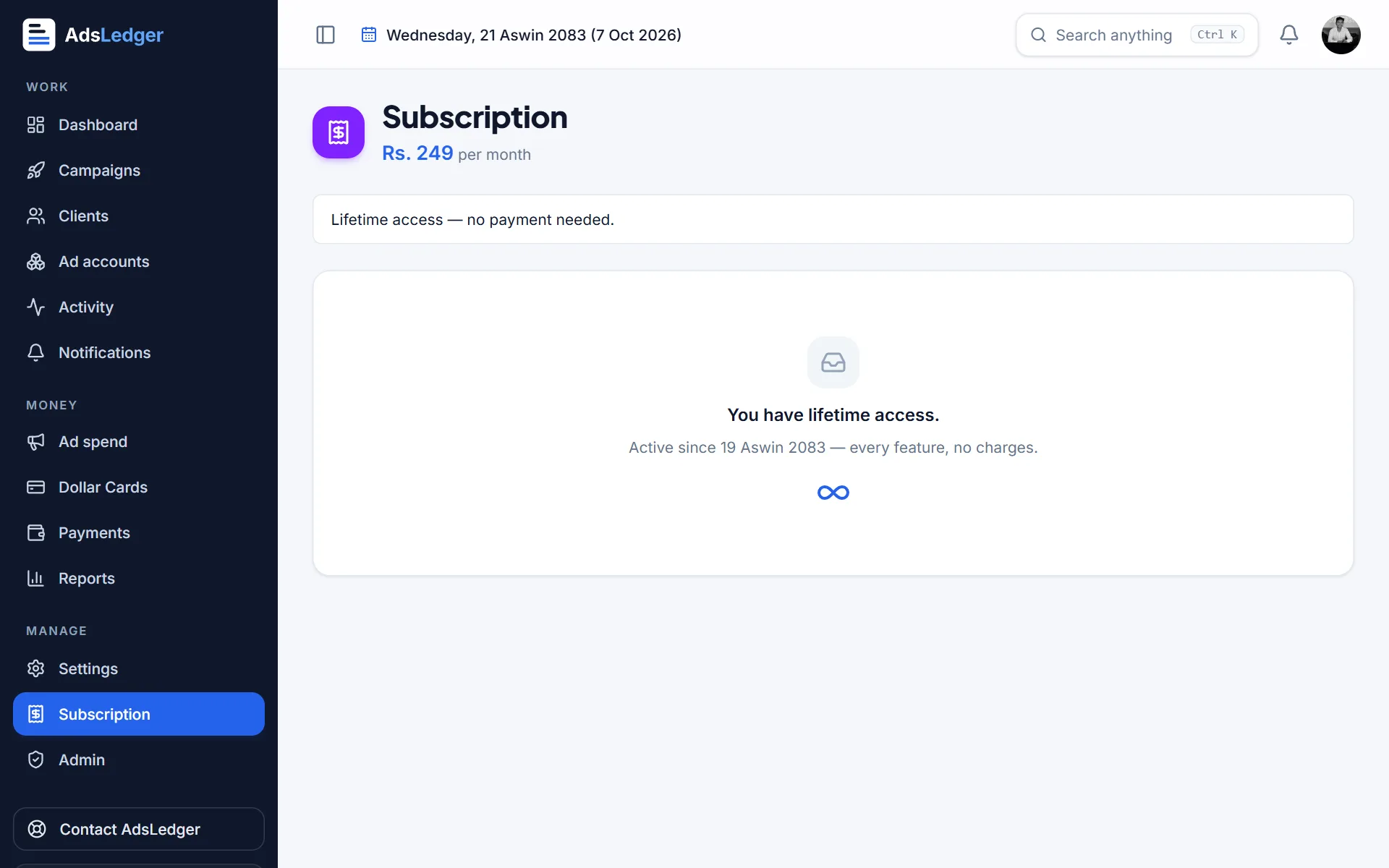
Pay for your subscription
AdsLedger is Rs. 249 a month after the free trial. Pay for 1, 3, 6 or 12 months by eSewa, Khalti or bank QR.
3 steps2 min
Campaigns
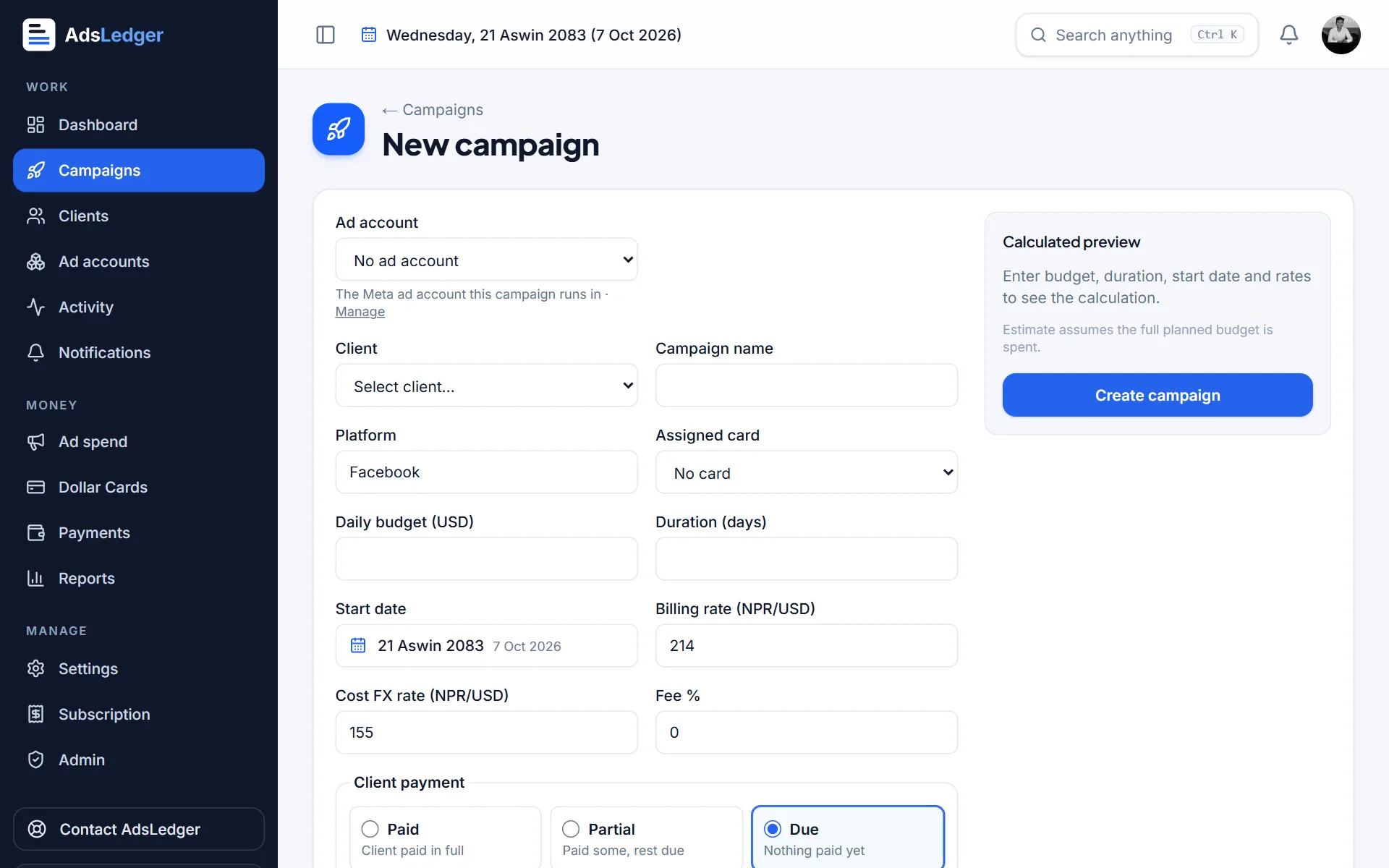
Create a campaign
Enter the client, daily budget and days — AdsLedger works out the end date, planned budget, client bill and expected profit, and can record the client's payment at the same time.
5 steps3 min
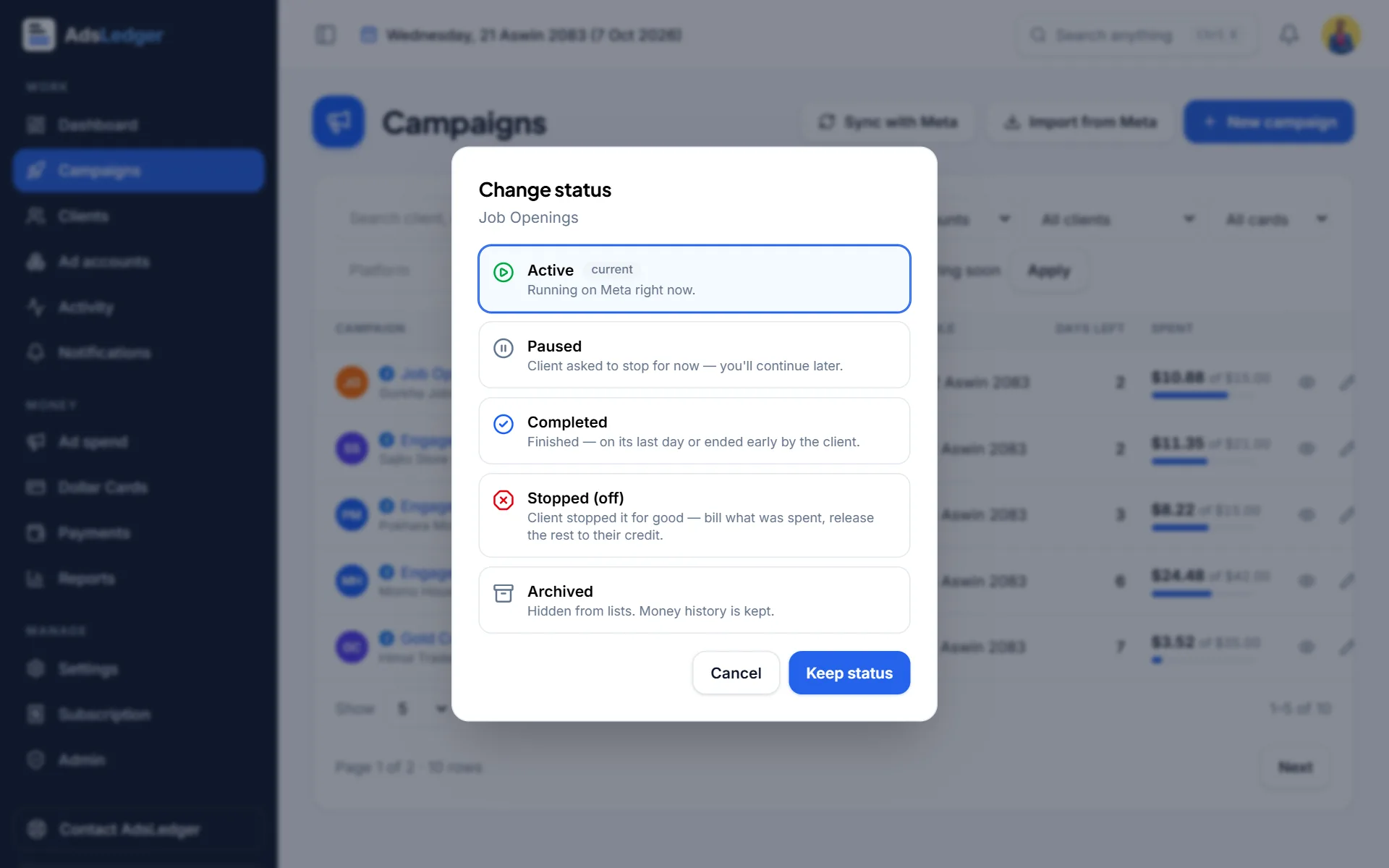
Extend, pause, complete or stop a campaign
Change a campaign's status in one place — AdsLedger updates the bill, and for Meta-linked campaigns, Facebook too.
3 steps3 min
Cards & spend
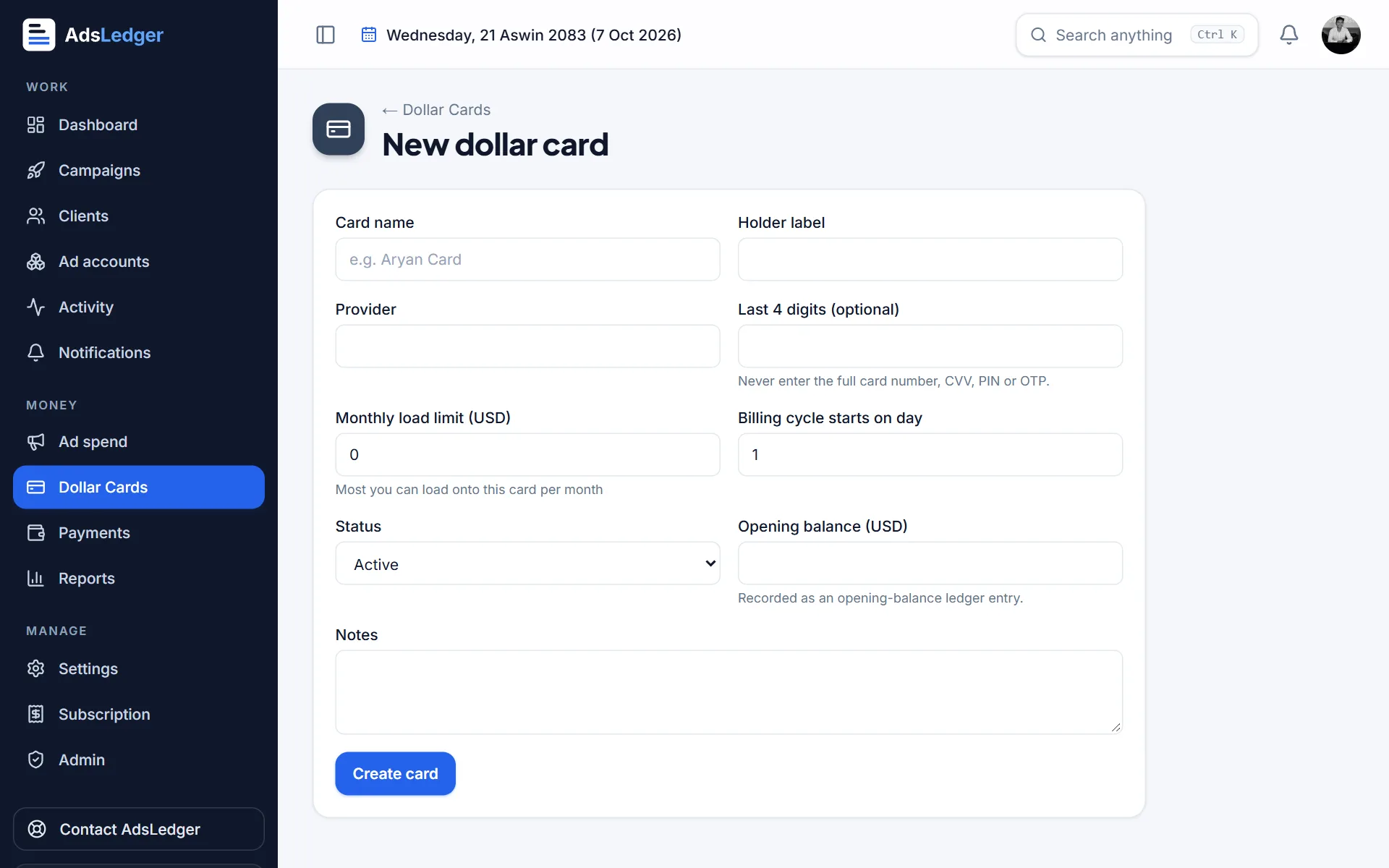
Add a dollar card
Add the USD card you pay Meta with, so AdsLedger can track its balance, monthly limit and how much your running campaigns still need.
3 steps2 min
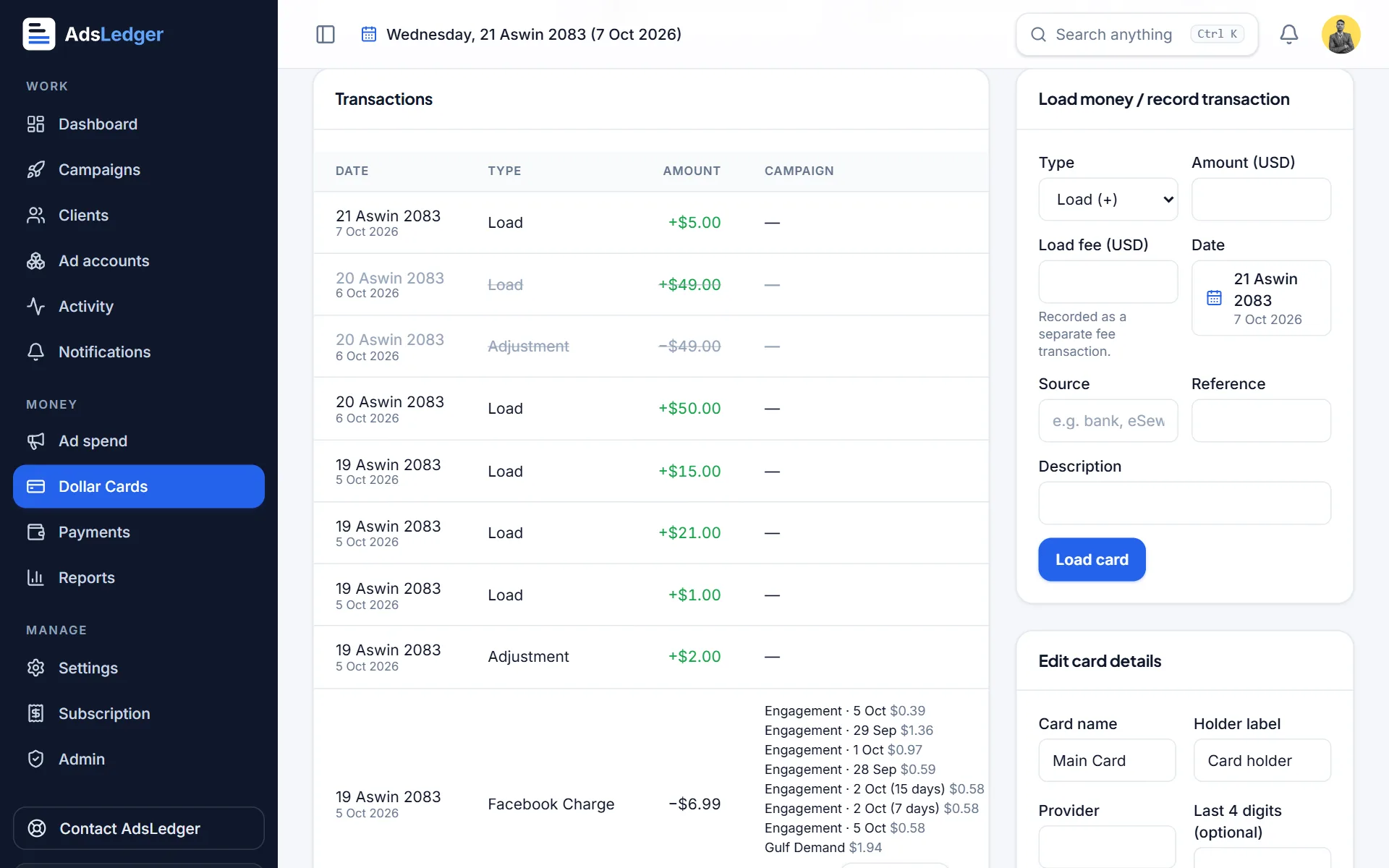
Load a dollar card (and record what it cost)
Record every dollar you load so the balance stays right, then record the rupee cost of the load under Money out.
3 steps2 min
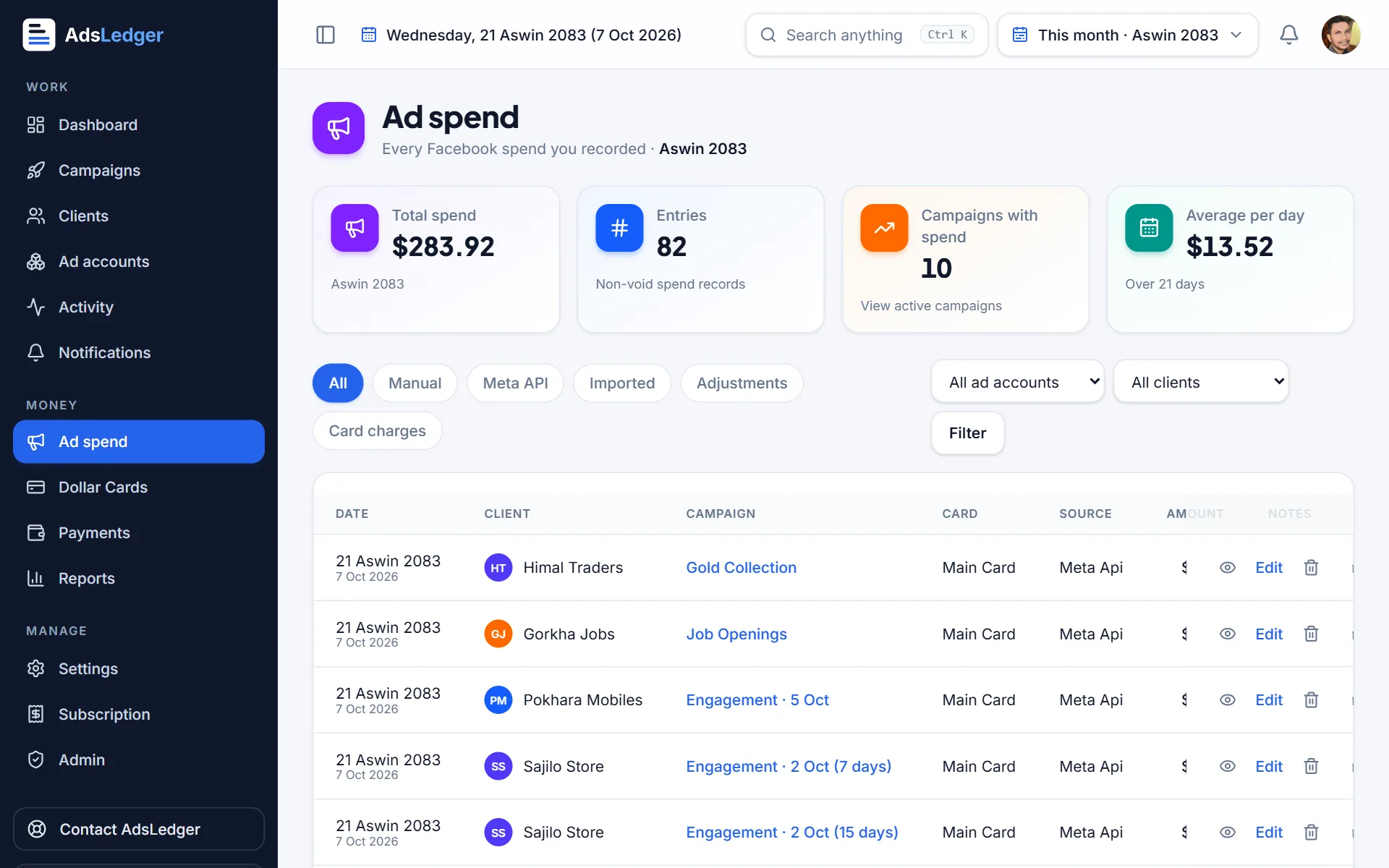
Record ad spend
Keep the real Facebook spend on every campaign — automatically from Meta, or by hand for campaigns that aren't linked.
3 steps2 min
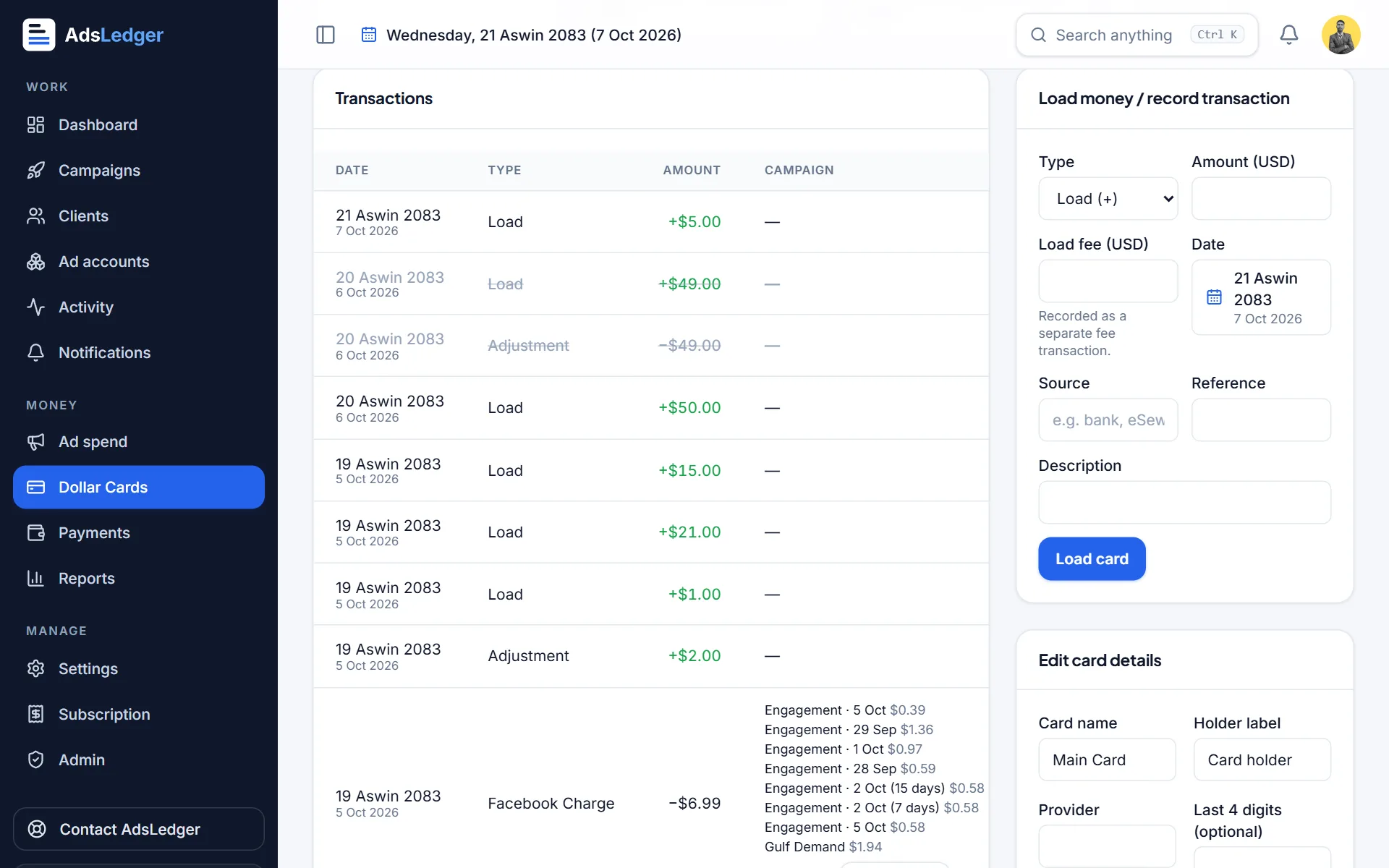
Split one Meta charge across campaigns
Meta often charges your card once for several campaigns. Record the charge and split it — by budget left, by budget, equally or with exact amounts.
3 steps3 min
Payments & money
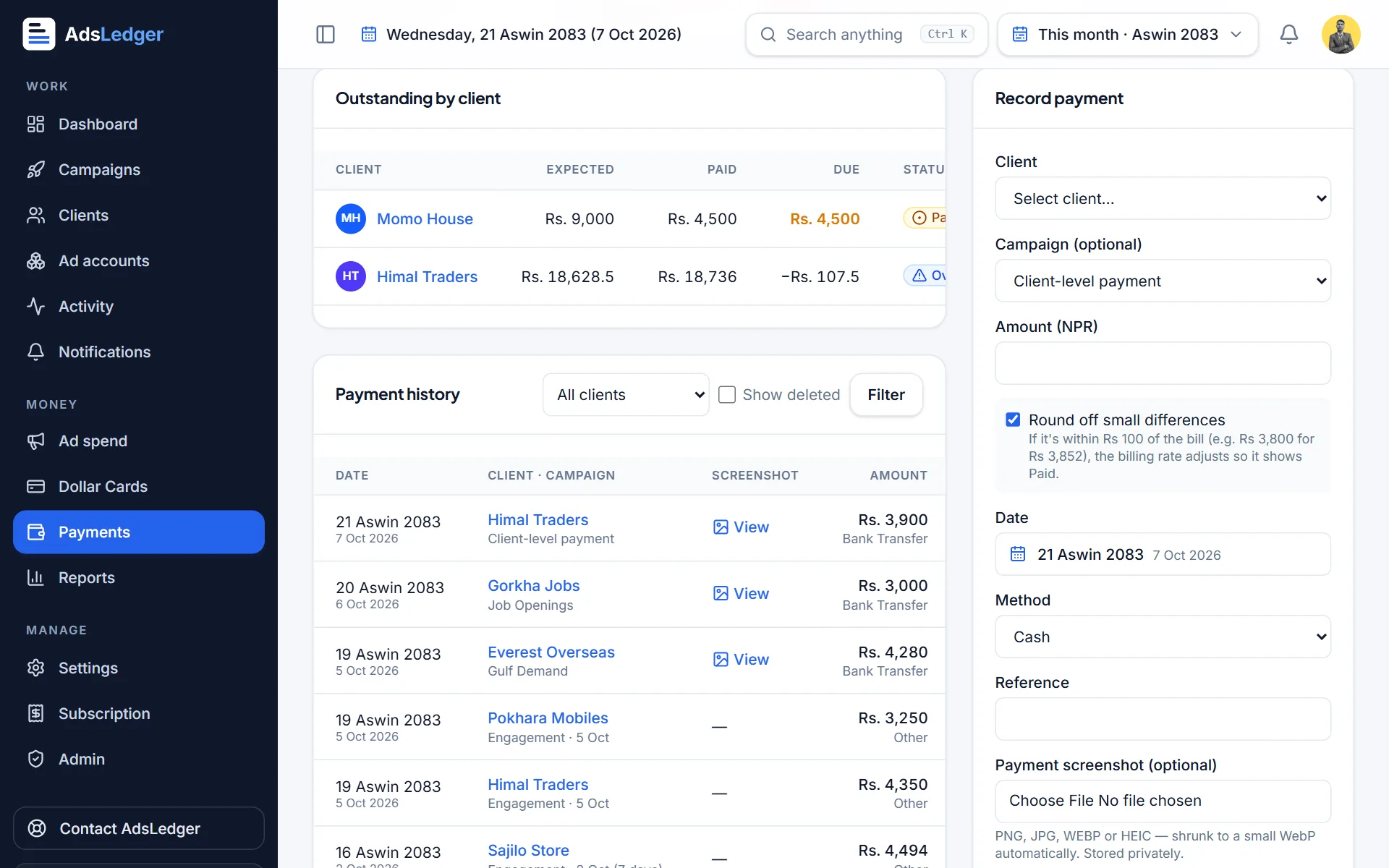
Record a client payment
Record eSewa, Khalti, bank or cash payments with the screenshot, so you always know who has paid and who still owes you.
4 steps2 min
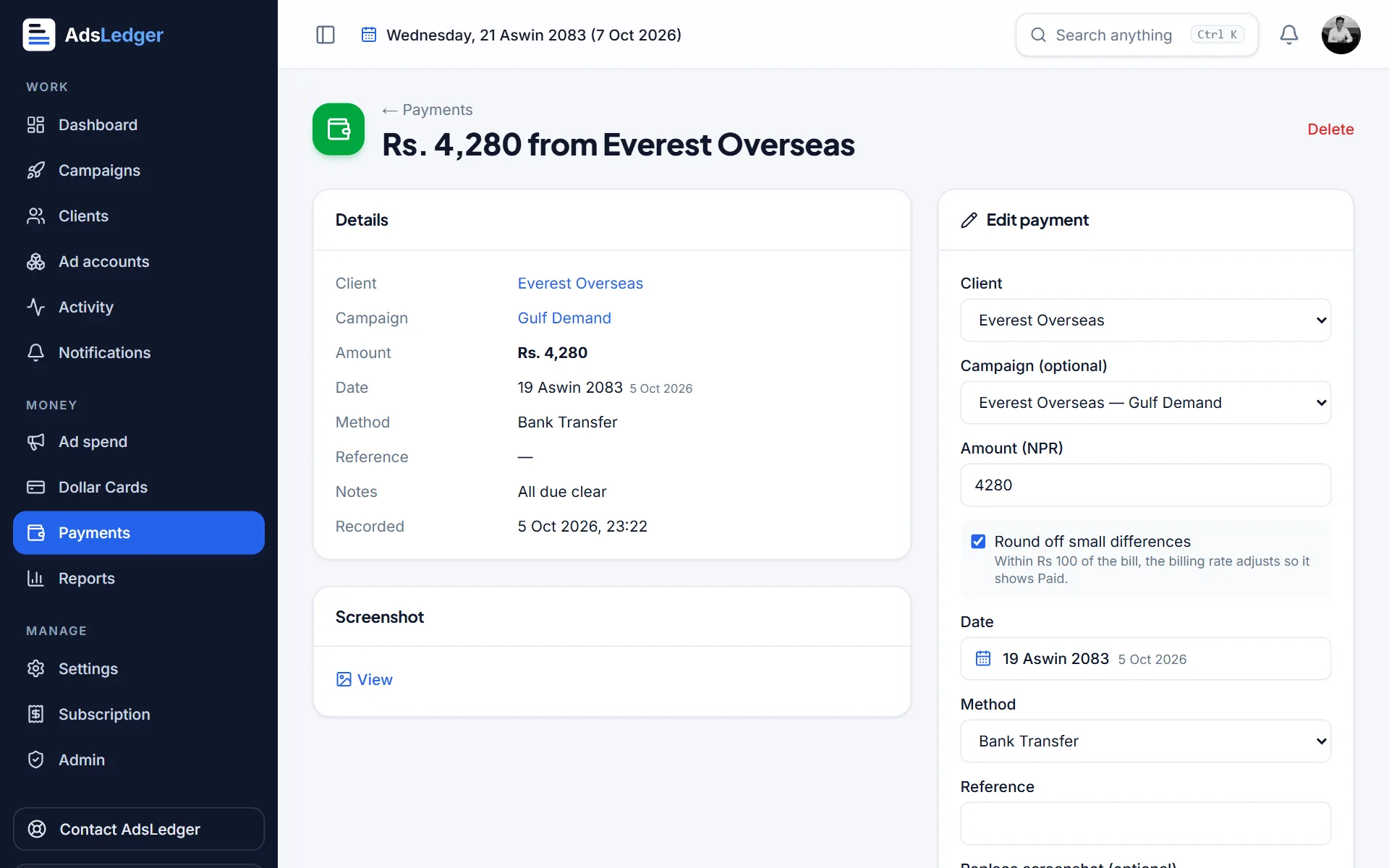
Edit or delete a payment
Fix a wrong amount, date, client or screenshot. The old version stays in history so your records stay traceable.
3 steps1 min
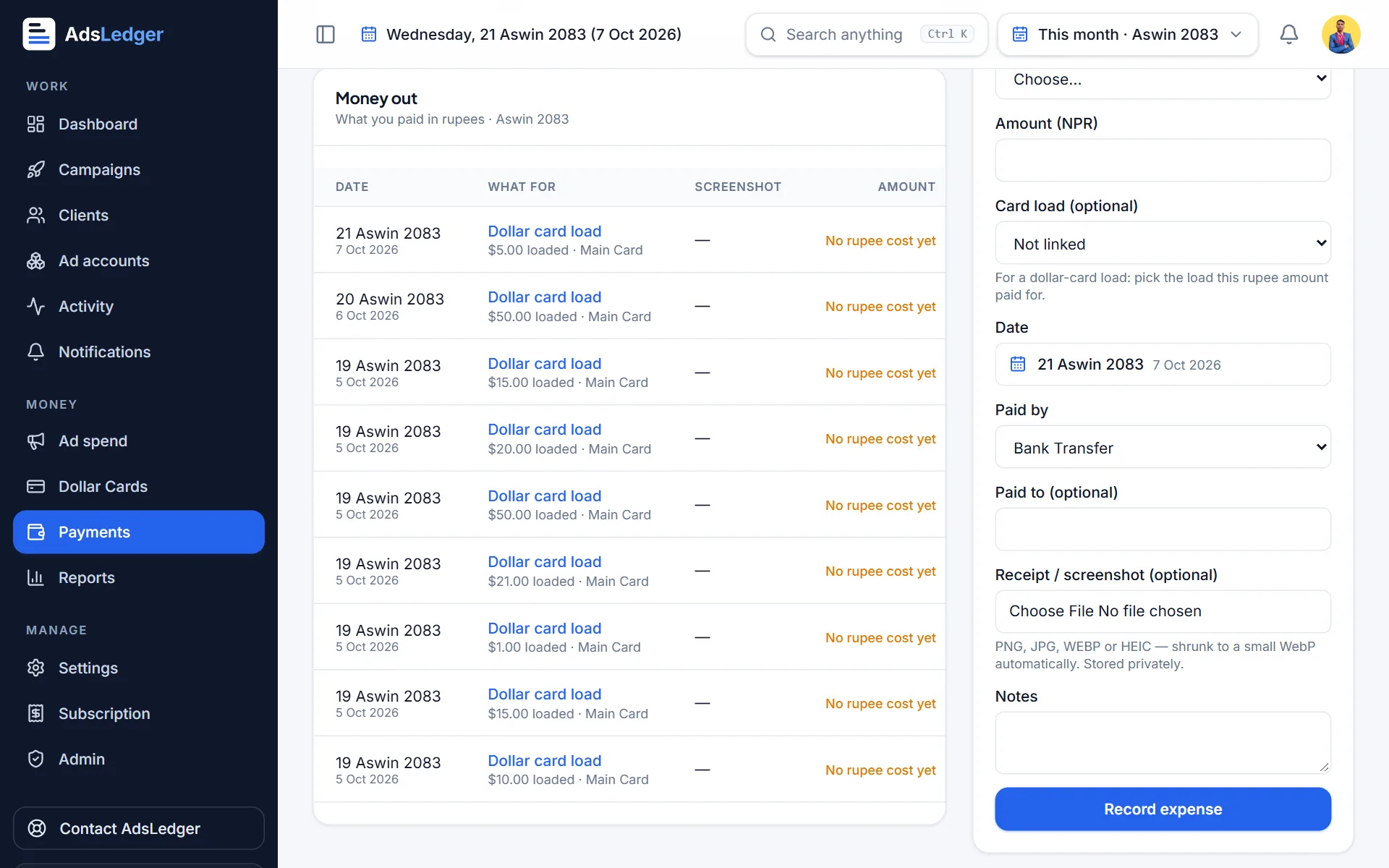
Record expenses (money out)
Track what you pay out in rupees — card loads, software, salaries, office — and see money in, money out and net cash.
3 steps2 min
Meta Ads
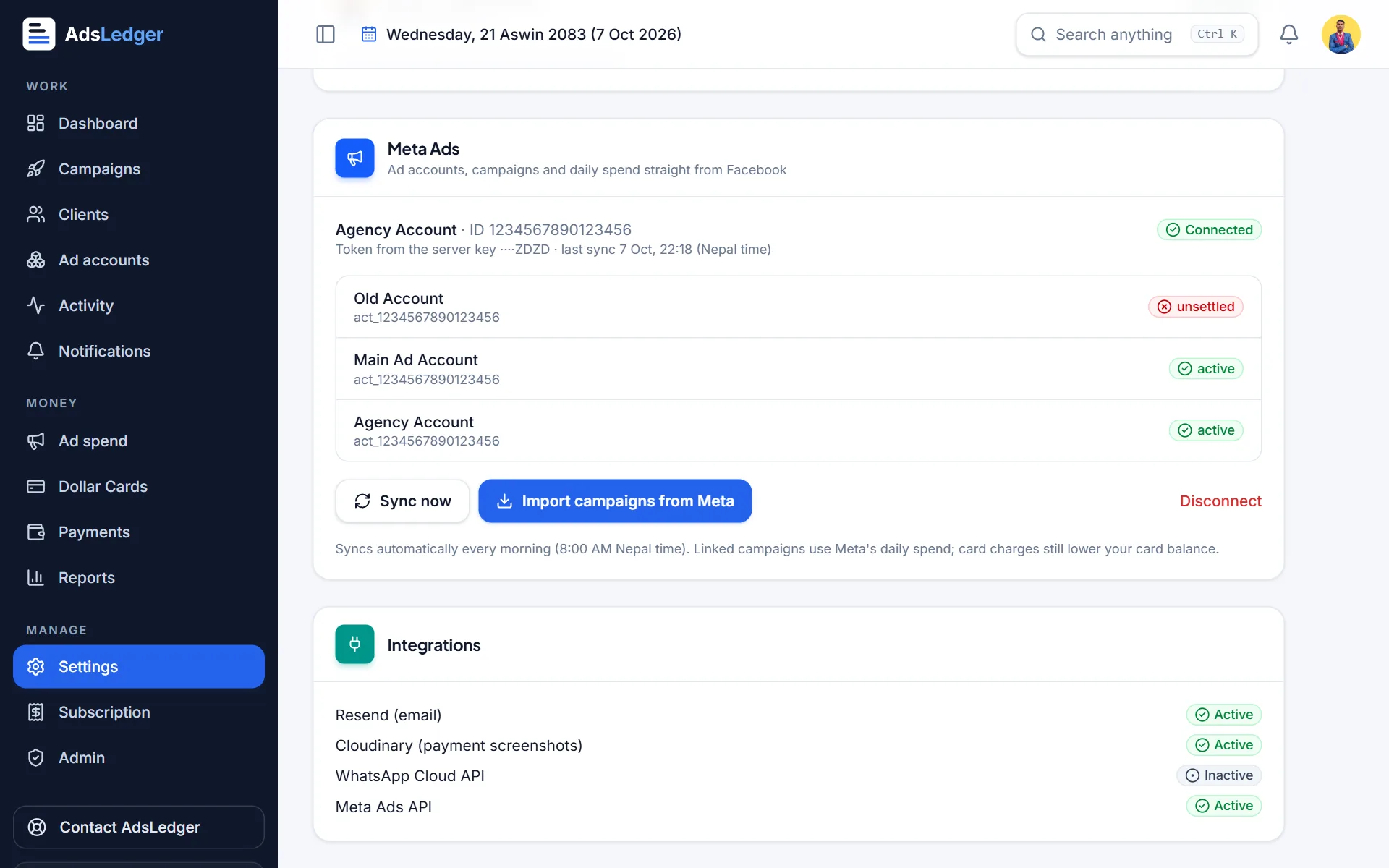
Connect Meta Ads
Connect your Meta Business once with your Business ID and a System User token. Ad accounts, campaigns, spend and results then come in automatically.
4 steps10 min
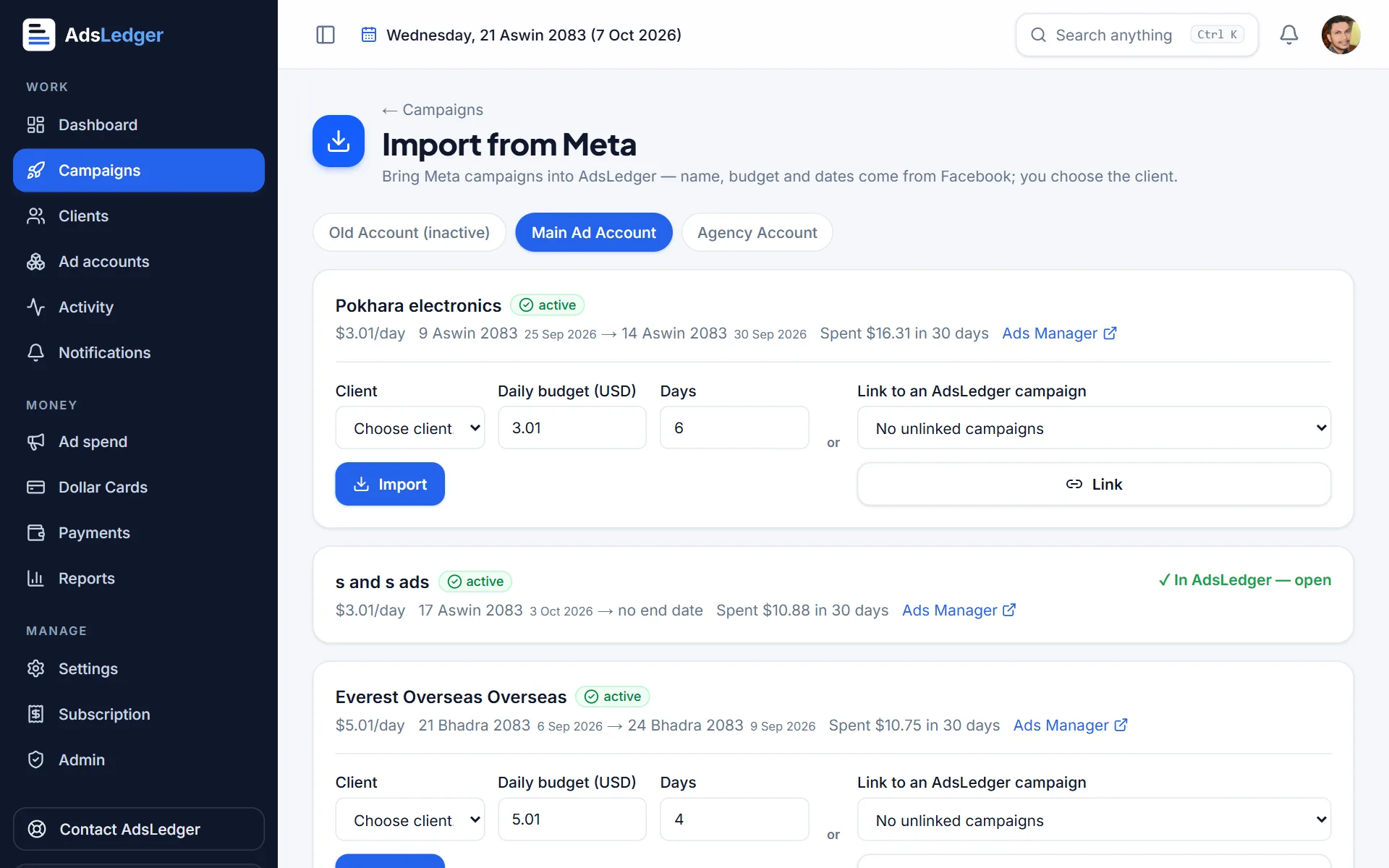
Import Meta campaigns (and auto-import new ones)
Bring existing Meta campaigns into AdsLedger, link them to campaigns you already have, and map each Facebook Page to a client so new campaigns come in by themselves.
4 steps3 min
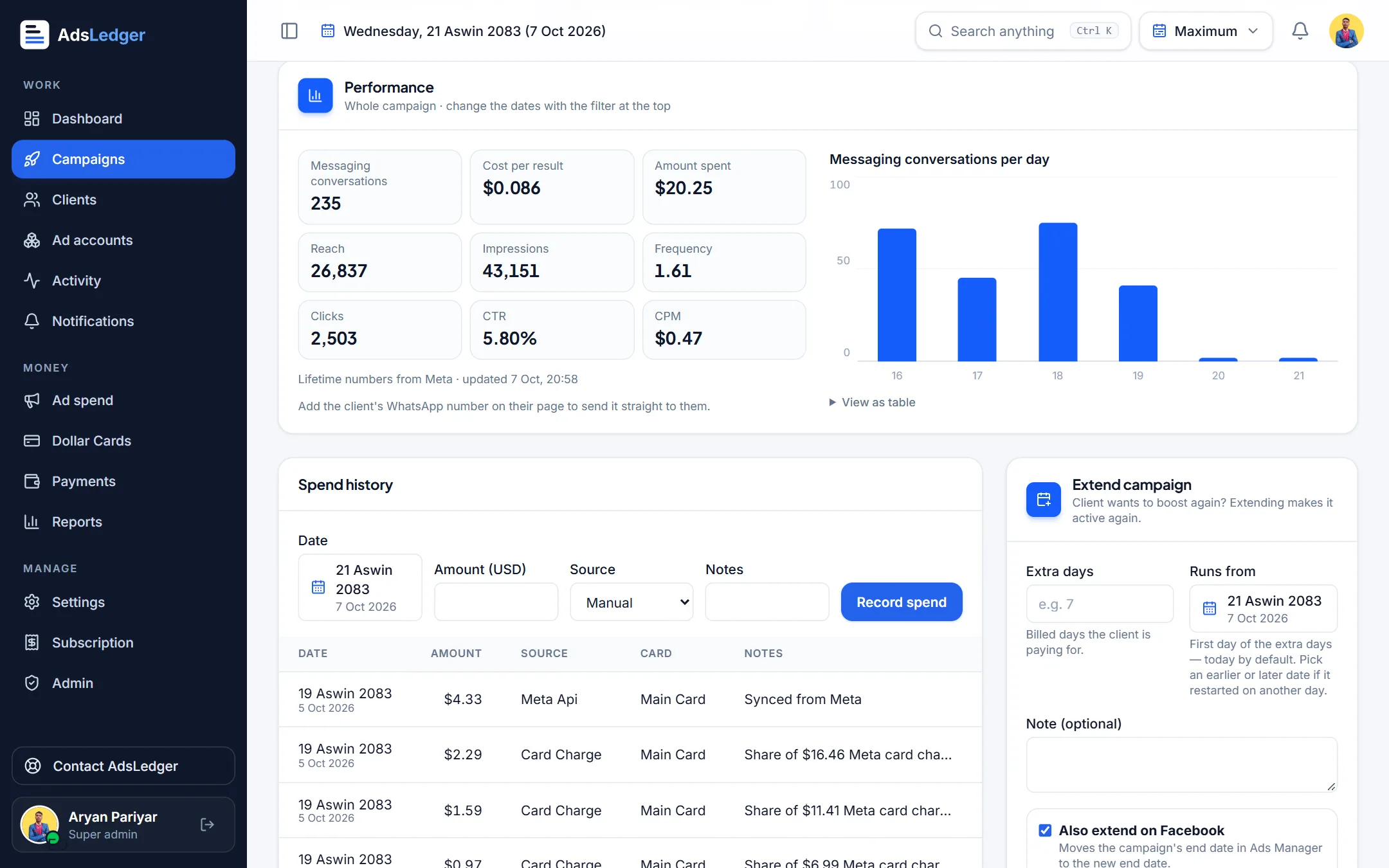
See campaign results and send them on WhatsApp
Messages, cost per result, reach, frequency, clicks and a daily chart for any date range — and a ready-written WhatsApp update for your client.
3 steps2 min
Reports & alerts
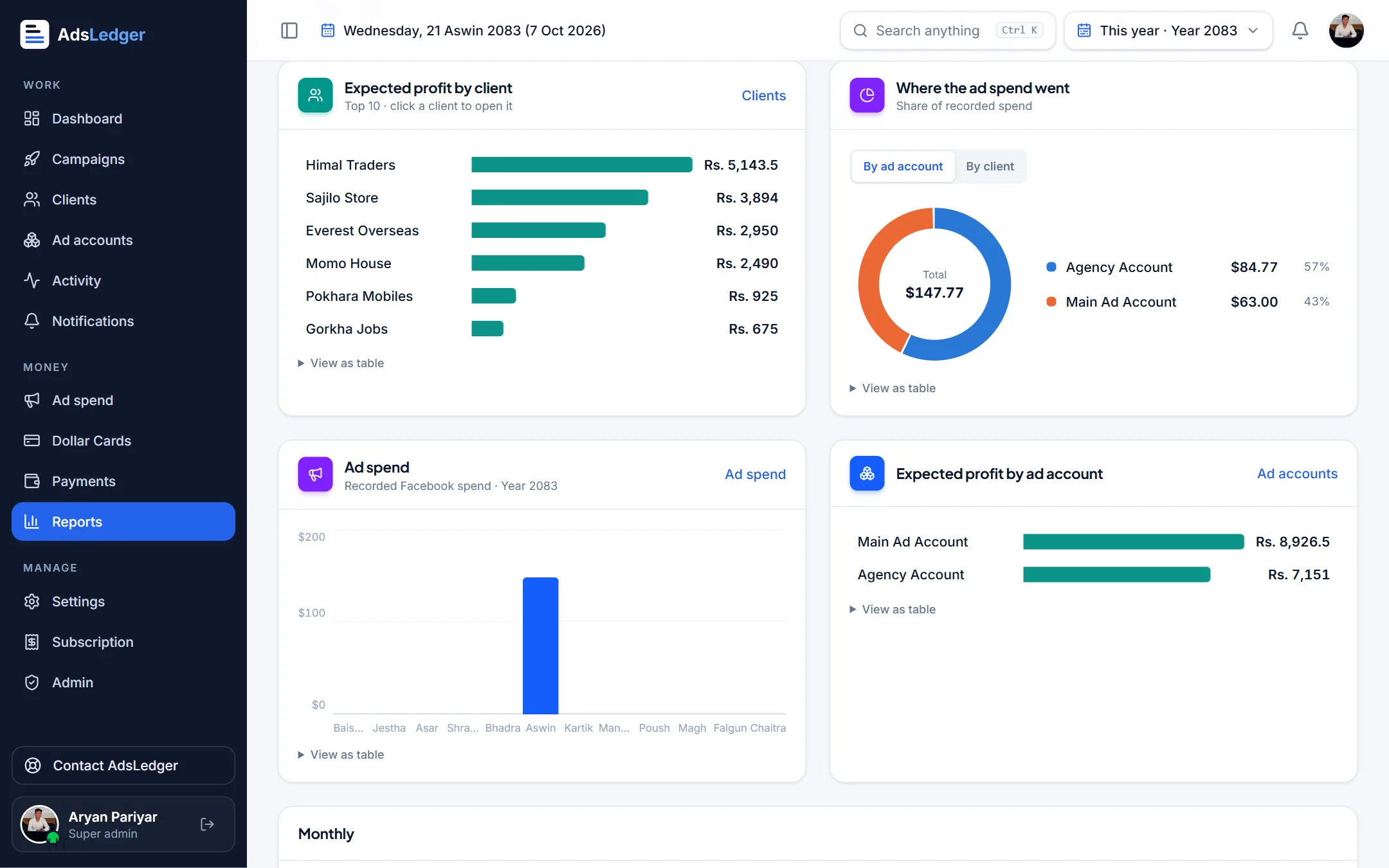
Reports and date filters
See profit by client, ad account and month, and where your ad spend went — for any period, in Bikram Sambat or English months.
2 steps2 min
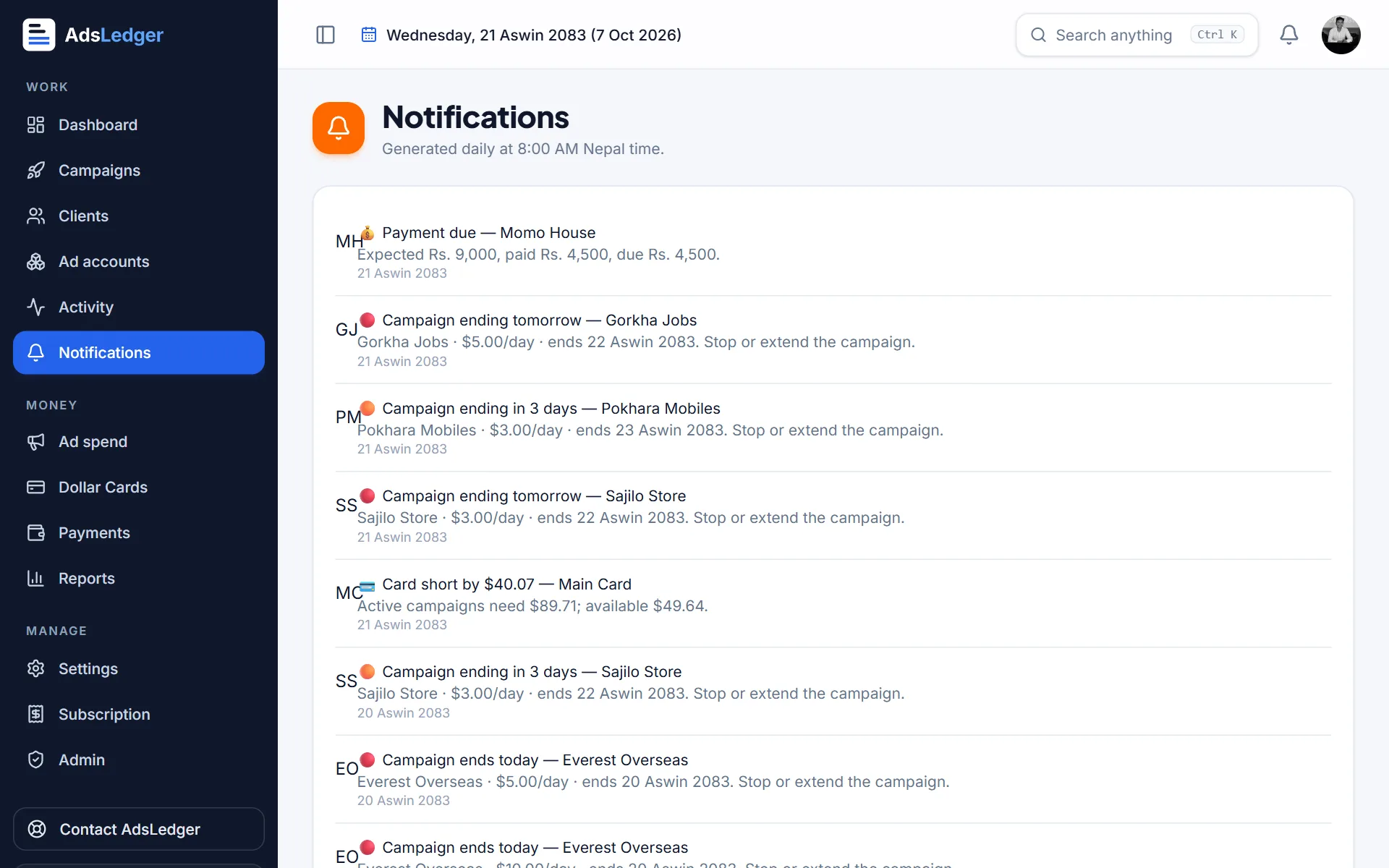
Alerts and notifications
Get told — in the app and by email at 8 AM Nepal time — when campaigns end, cards run low or clients owe you.
2 steps1 min
7-day free trial · no card needed
Learn it in minutes, use it every day
Start a free trial and follow the guides with your own clients, cards and campaigns. Everything syncs with Meta Ads.
- Meta Ads spend & results sync daily
- Dollar-card balance before ads stop
- Client bills & real profit in NPR
Sign in with Google · works on phone and laptop · built for Nepal

