
Split one Meta charge across campaigns
Meta often charges your card once for several campaigns. Record the charge and split it — by budget left, by budget, equally or with exact amounts.
3 steps3 min
Video coming soon
Follow the steps below in the meantime.
1Record the Facebook charge
On the card page choose the type Facebook charge, enter the amount and date and save.
2Split it
Charges that aren't assigned yet show a Split button in Transactions. Choose the campaigns and a method: by budget left (default), by daily budget, equally, or type exact amounts — the amounts rebalance as you type.
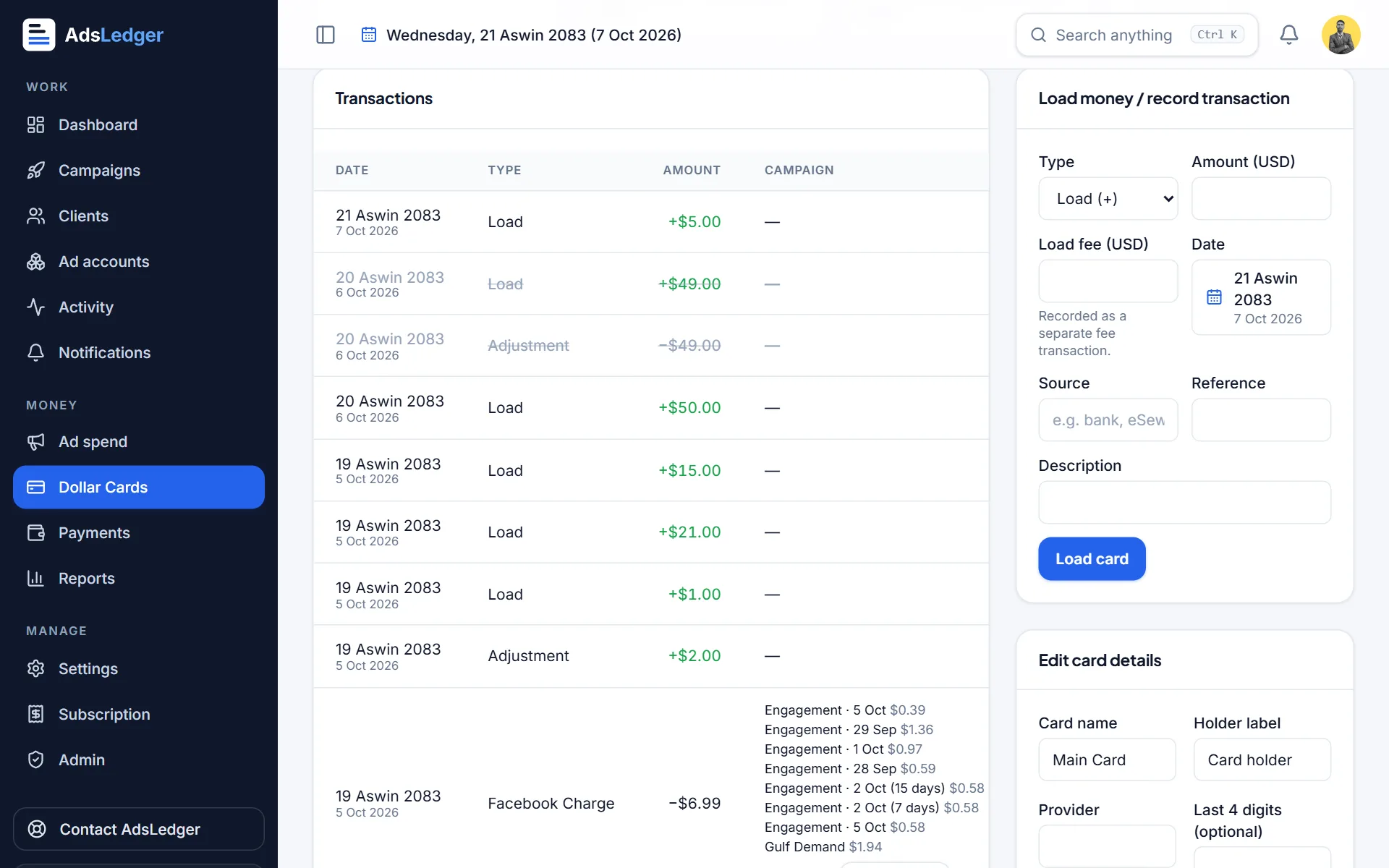
A Facebook charge split across several campaigns · sample names 3Edit or undo a split
Use Edit split to change the shares or Undo split to start again. The card balance and each campaign's spend update together.

