
See campaign results and send them on WhatsApp
Messages, cost per result, reach, frequency, clicks and a daily chart for any date range — and a ready-written WhatsApp update for your client.
3 steps2 min
Video coming soon
Follow the steps below in the meantime.
1Open the campaign
Open a Meta-linked campaign and scroll to Performance.
2Pick the dates
Use the date filter at the top — Today, Yesterday, Last 7 days, This month, or a custom range in BS or AD.
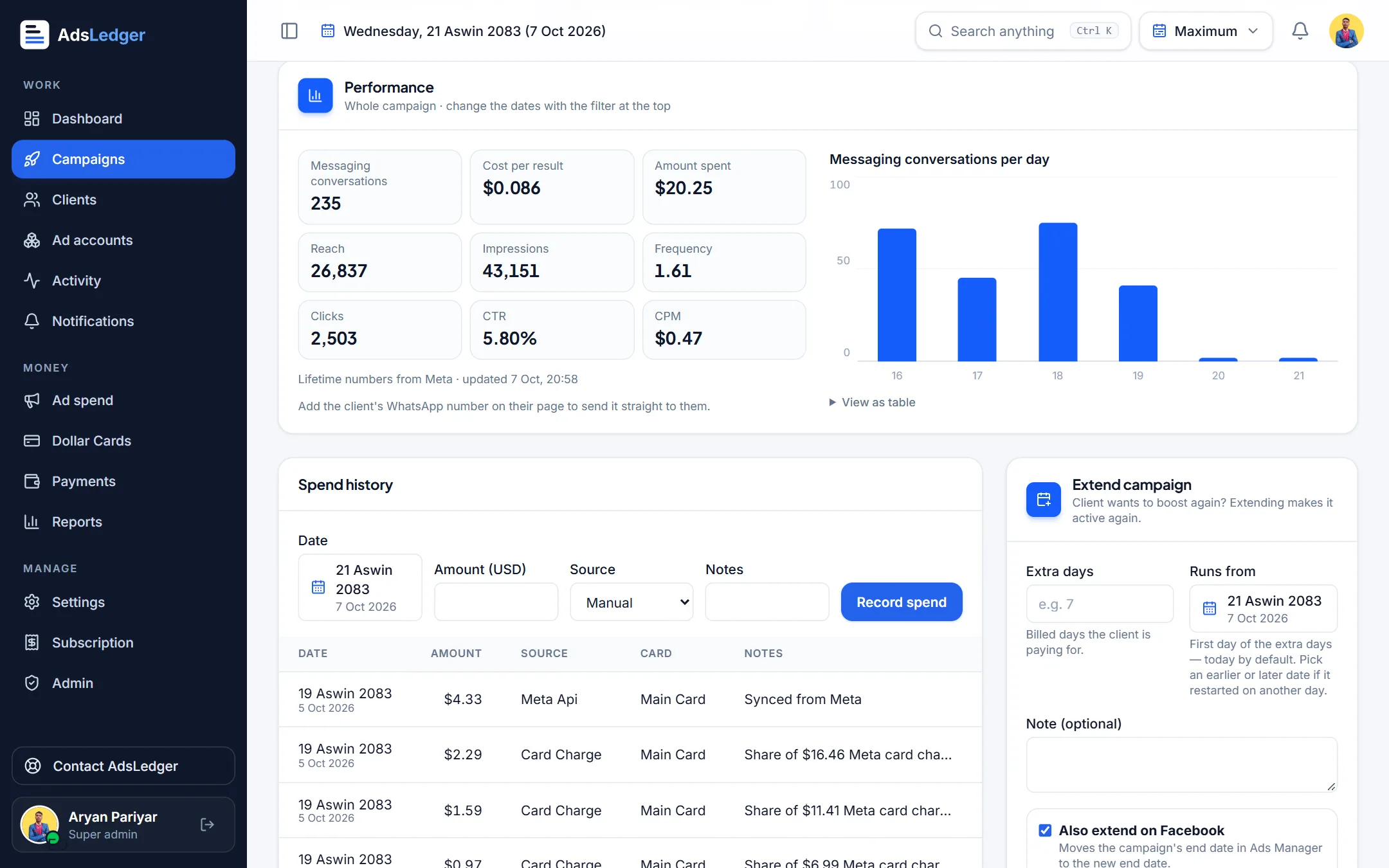
Campaign performance from Meta with daily chart · sample names 3Send to the client
Press Send results on WhatsApp. The message is written for you — results, reach, impressions and clicks — and opens WhatsApp to the client's number (or lets you choose the chat).

