
Add a client
Create a client with their phone (for WhatsApp updates) and, if they pay a different dollar rate, their own billing rate.
3 steps2 min
Video coming soon
Follow the steps below in the meantime.
1Open Clients → New client
Go to Clients and press New client (or press the + button and choose Add client).
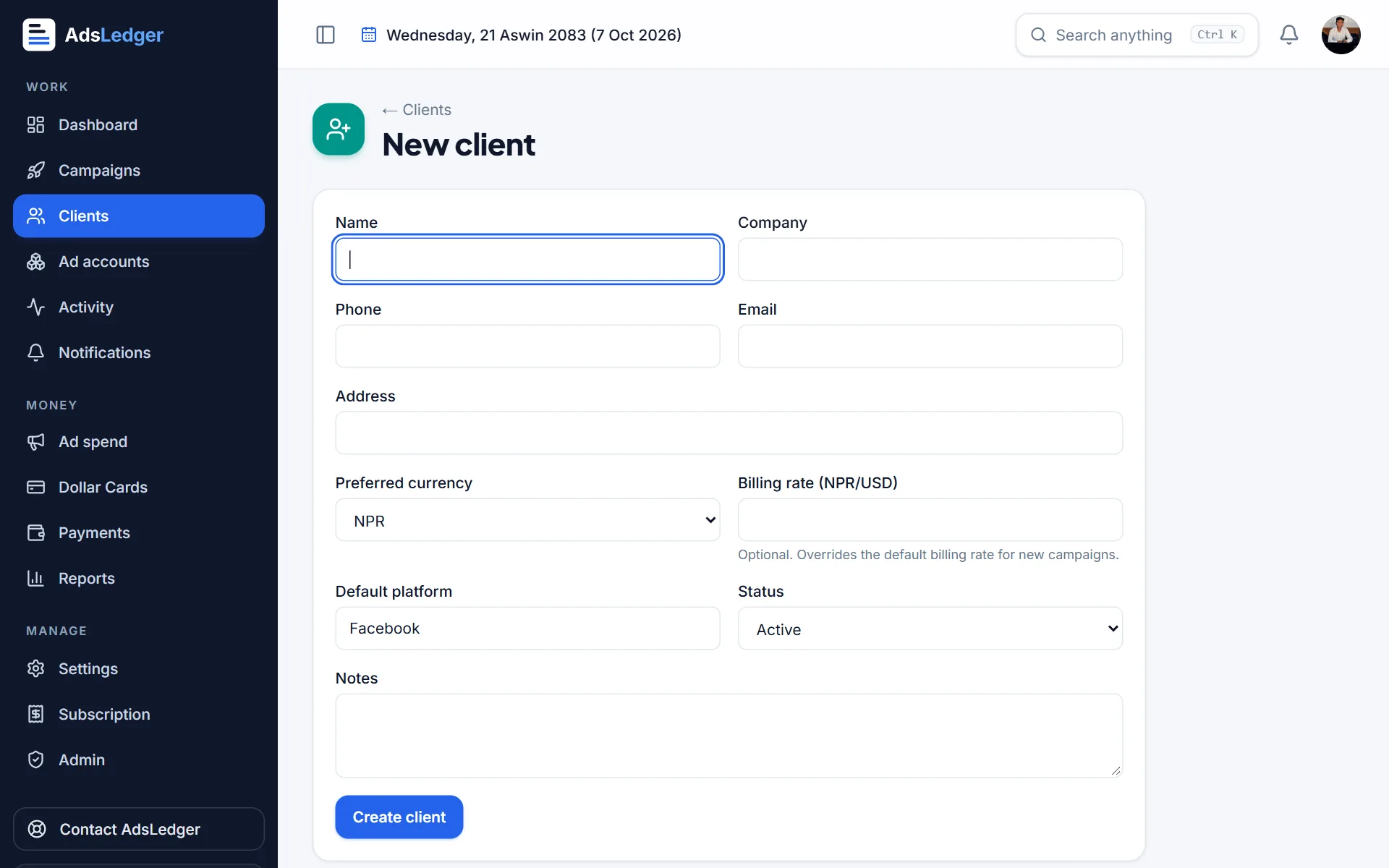
New client form · sample names 2Fill in the details
Enter the client's name. Add a WhatsApp number if you want to send them campaign results with one tap. Set a billing rate only if this client pays a different rate than your default.
3Save and open the client
Press Save. The client's page shows their campaigns, revenue, ad cost, expected profit, payments and what they still owe.
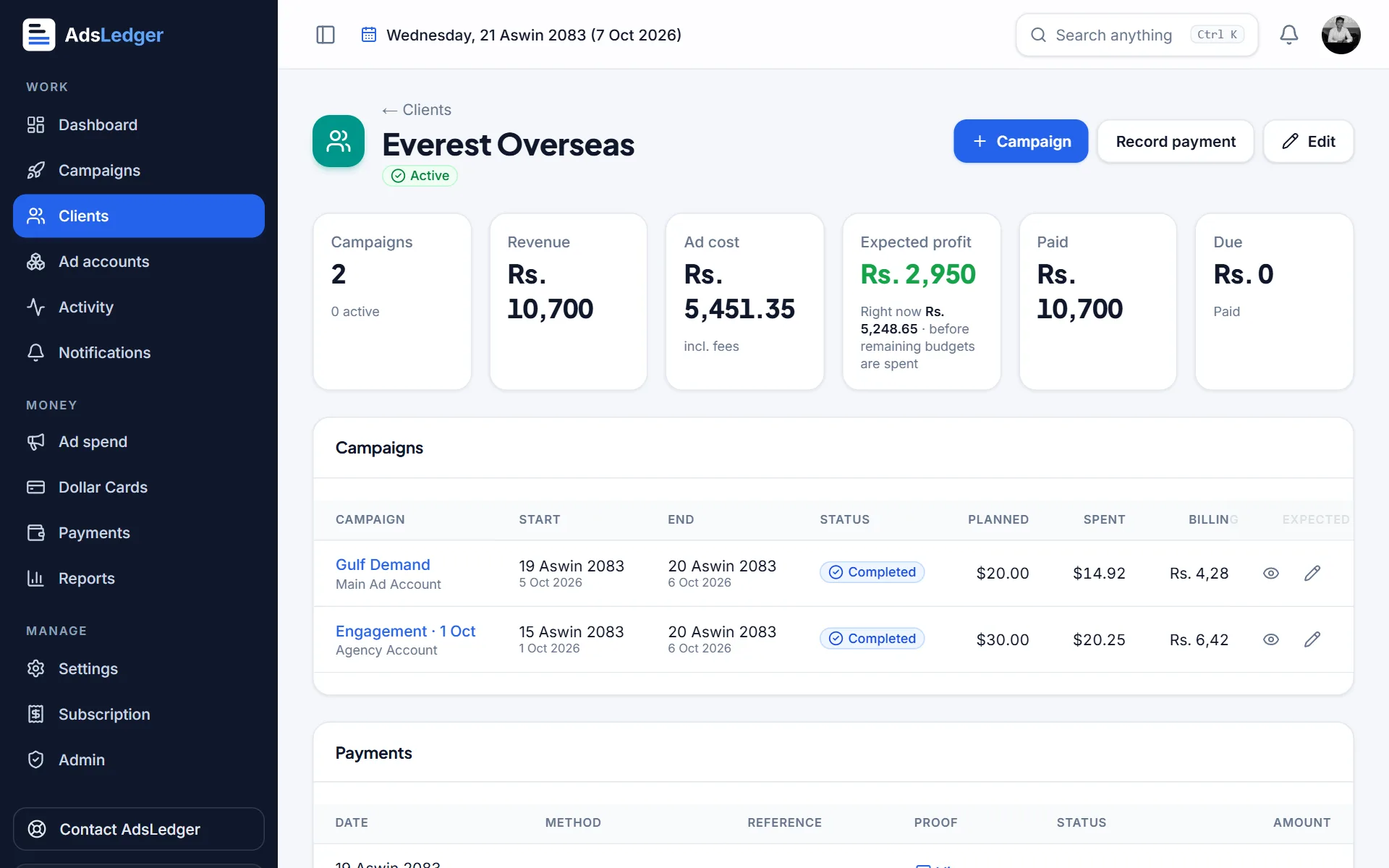
Client page with campaigns, profit, paid and due · sample names

