
Get started with AdsLedger
Sign in with Google, get approved, choose Bikram Sambat or English dates, and find your way around the dashboard.
5 steps3 min
Video coming soon
Follow the steps below in the meantime.
1Sign in with Google
Open adsledger.aafnohisab.com and press Start free trial. Choose your Google account — no password or card is needed. Your account is created right away.
2Wait for approval
New accounts are approved by the AdsLedger team (usually the same day). You'll get an email, and your 7-day free trial starts the moment you're approved.
3Choose your date format
Open your Profile (photo in the top-right corner). Under Date format pick Bikram Sambat (BS) or English (AD). Every date, report and "this month" range in the app follows this choice.
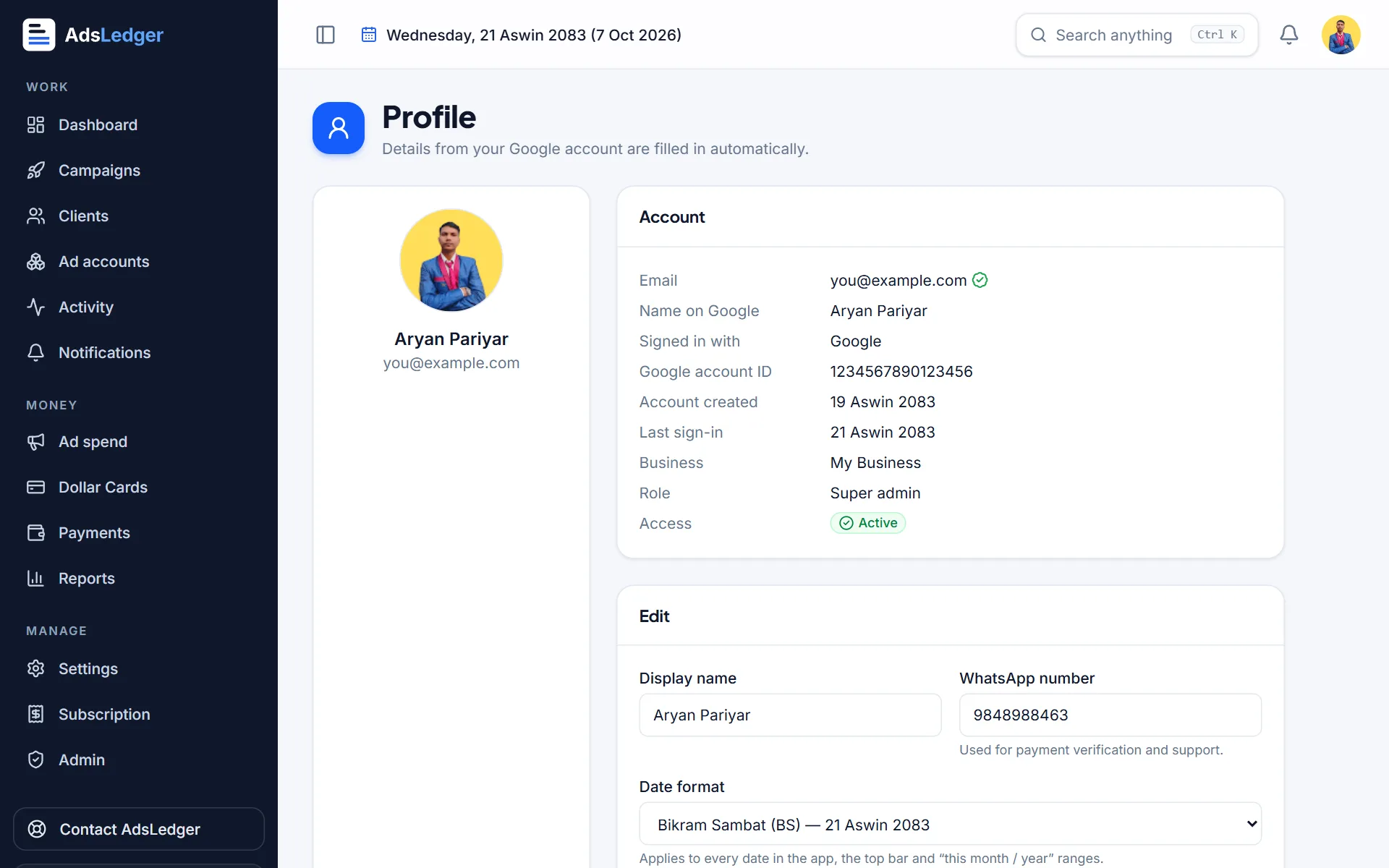
Profile page with the date format setting · sample names 4Learn the dashboard
The Dashboard shows new campaigns, ad spend, money collected, expected profit, payments due, card balance and Meta sync status for the period chosen at the top. Today's actions lists what needs attention — campaigns ending, low card balance, clients who owe you.

AdsLedger dashboard with key numbers and today's actions · sample names 5Find anything with search
Press Ctrl K (or tap the search icon on your phone) and type a client, campaign or card name to jump straight to it.
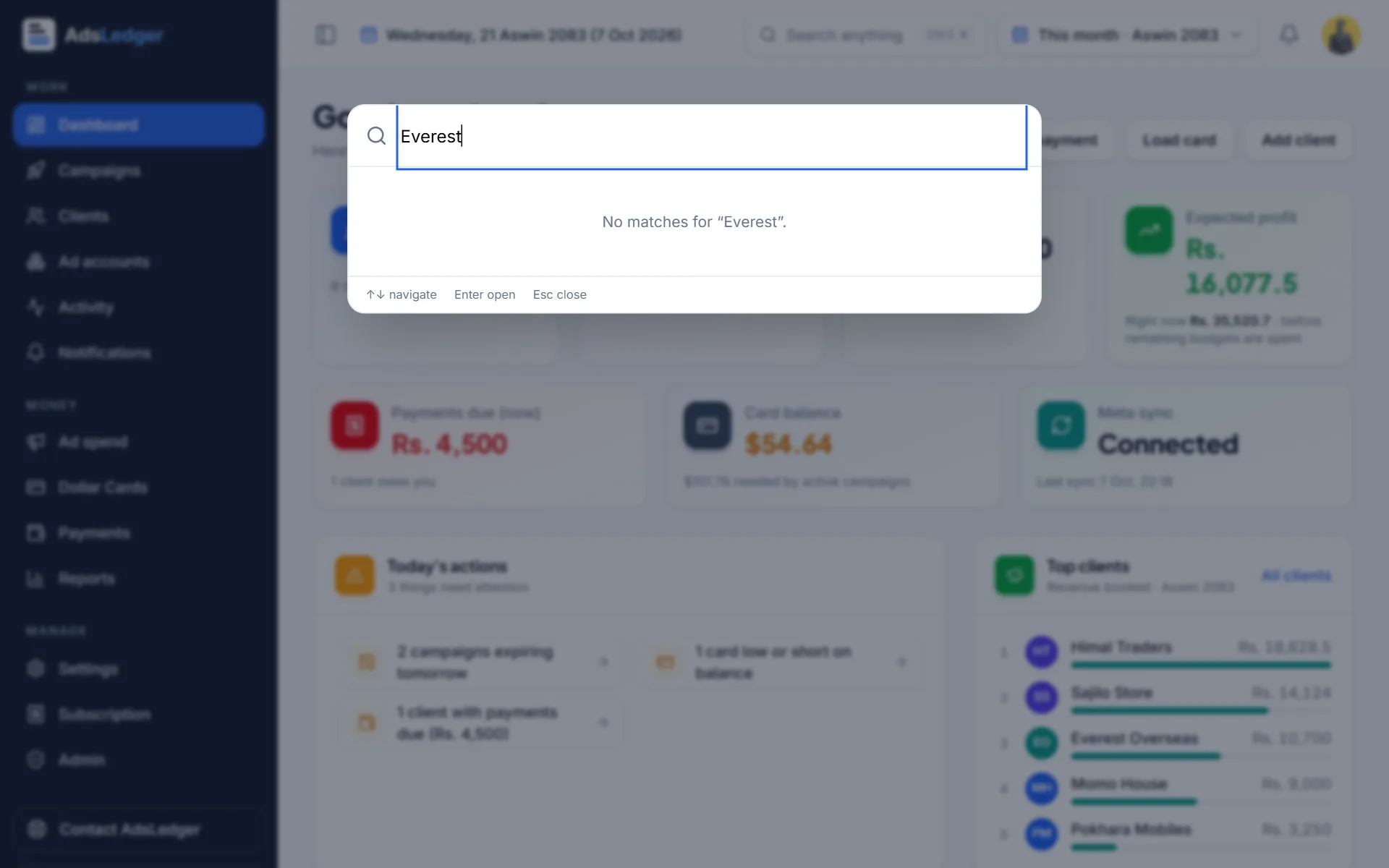
Search box listing a client and its campaigns · sample names
