
Edit or delete a payment
Fix a wrong amount, date, client or screenshot. The old version stays in history so your records stay traceable.
3 steps1 min
Video coming soon
Follow the steps below in the meantime.
1Open the payment
In Payment history press the eye or pencil icon on the payment.
2Edit and save
Change anything — client, campaign, amount, date, method, reference, notes — or replace/remove the screenshot, then press Save changes.
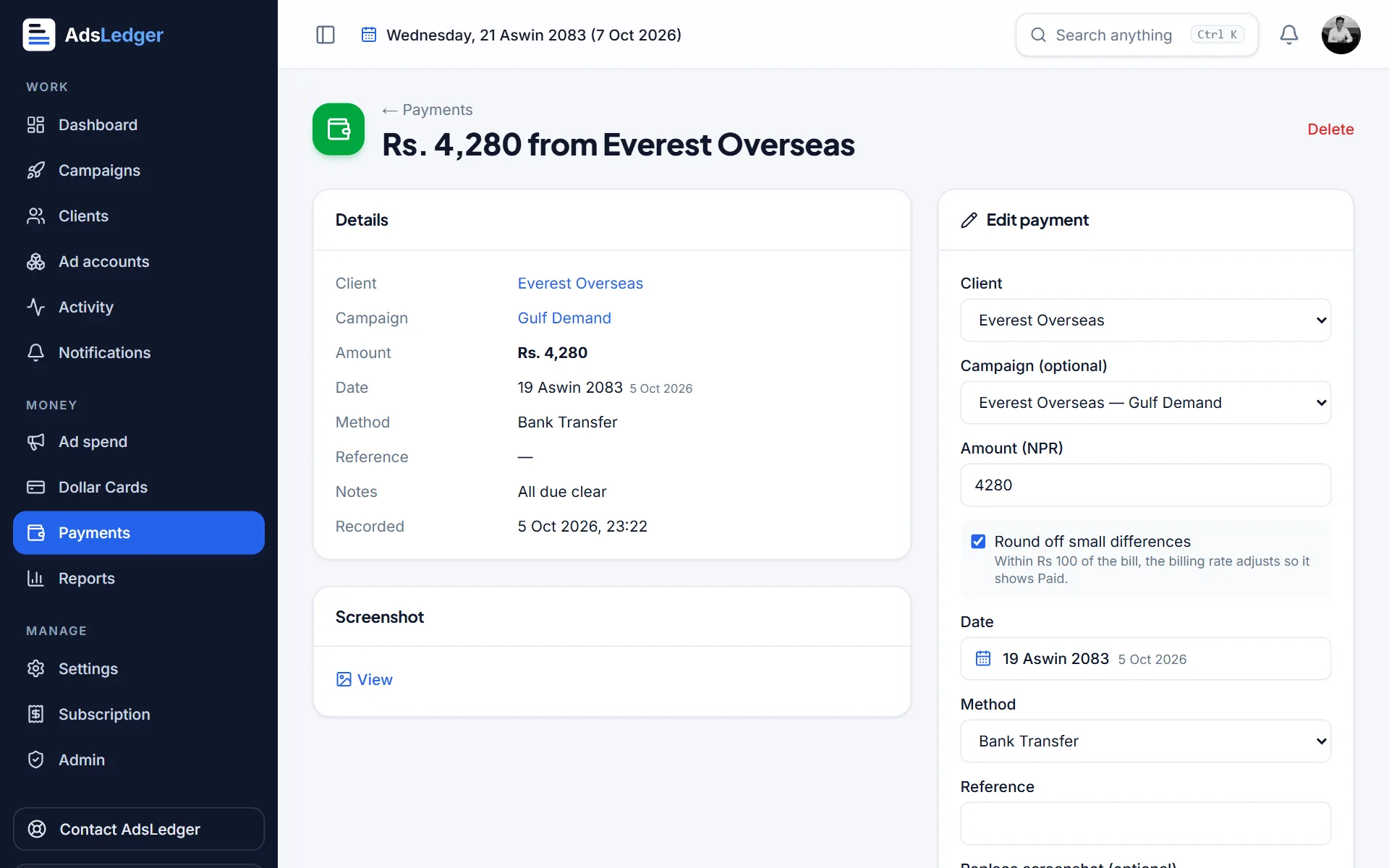
Payment details with the edit form · sample names 3Delete
Press Delete. The payment stops counting as paid but is still visible with Show deleted ticked.

