
Free Facebook Ads Tracking Spreadsheet (and When You Outgrow It)
By Aryan Pariyar7 min read
Quick answer
A simple Facebook ads tracking spreadsheet needs one row per campaign with columns for client, Page, daily budget, days, end date, billing rate, client charge, actual spend, cost rate, card fee, profit, amount received and balance due. You can build it free in Google Sheets in about 20 minutes. It stops being enough when you run many campaigns across several cards, team members and partial payments.
What a Facebook ads tracking spreadsheet should do
A good Facebook ads tracking spreadsheet answers four questions at any moment: which campaigns are running, what each client owes, how much you actually spent, and how much you made. If your sheet cannot answer all four, it is just a list.
The layout below is designed for Nepali freelancers and small agencies who bill clients in NPR and pay Meta with a dollar card. Build it in Google Sheets so you can open it on your phone and share it with a teammate.
The columns, one by one
Use one row per campaign. If a client runs three campaigns in a month, they get three rows. Here is each column with what goes in it:
- A – Start date: the day the campaign actually went live.
- B – Client: the person or business paying you.
- C – Facebook Page: the Page the ads run from (helps when one client has two Pages).
- D – Ad account: which ad account the campaign runs in.
- E – Campaign name: start it with the client name so it is easy to match in Ads Manager.
- F – Daily budget (USD): for example 5.
- G – Days: for example 10.
- H – End date: formula =A2+G2.
- I – Planned budget (USD): formula =F2*G2.
- J – Billing rate (NPR per USD): what you charge the client per dollar of budget.
- K – Client charge (NPR): formula =I2*J2.
- L – Actual spend (USD): copy from Ads Manager when the campaign ends (or update daily).
- M – Cost rate (NPR per USD): what a dollar on your card really cost you.
- N – Card fee %: your bank's foreign transaction or card fee, if any, as a decimal.
- O – Ad cost (NPR): formula =L2*M2.
- P – Fees (NPR): formula =L2*N2*M2.
- Q – Profit (NPR): formula =K2-O2-P2.
- R – Received (NPR): total the client has paid so far.
- S – Balance due (NPR): formula =K2-R2.
- T – Status: a dropdown with Running, Completed, Extended, Stopped.
- U – Dollar card: which card paid for it.
Add a summary tab with three formulas
Keep the campaign rows on one tab and make a second tab called Summary. Three formulas give you most of what you need:
- Dues per client: =SUMIFS(Campaigns!S:S, Campaigns!B:B, "Himal Momo").
- Profit per month: =SUMIFS(Campaigns!Q:Q, Campaigns!A:A, ">="&DATE(2026,10,1), Campaigns!A:A, "<"&DATE(2026,11,1)).
- Spend per card: =SUMIFS(Campaigns!L:L, Campaigns!U:U, "Card 1").
Keeping it accurate day to day
- When a client confirms, add the row and fill columns A to K before you launch.
- When a payment arrives, update Received and save the screenshot in a folder named by client.
- Every day or two, update Actual spend from Ads Manager for running campaigns.
- When you load a dollar card, update the Cost rate for new campaigns paid from it.
- If a client extends, either increase Days or add a new row marked Extended. Pick one rule and stick to it.
- If a campaign stops early, set Status to Stopped and change Client charge to what was actually spent times the billing rate, then note the leftover as credit.
- Once a week, sort by Balance due and follow up on the biggest ones.
Common spreadsheet mistakes to avoid
Most broken tracking sheets fail in the same few ways. Fixing them takes minutes and saves hours of month-end confusion.
- Typing numbers into formula columns. Once you overwrite a formula in Client charge or Profit with a typed number, it stops updating. Protect those columns or colour them grey as a warning.
- One row per client instead of per campaign. You lose the link between budget, days and payments, and extensions become impossible to follow.
- Using the same cost rate forever. Each card load can cost a different rupee amount per dollar. Update the cost rate for campaigns paid from each new load.
- Mixing USD and NPR in one column. Keep the currency in the column name, such as 'Actual spend (USD)', and never mix.
- Not recording round-offs. If a client pays Rs. 3,800 on a Rs. 3,852 charge and you accept it, add a Discount column, or the Rs. 52 will sit in Balance due forever.
- No backup. Google Sheets keeps version history (File → Version history), but also download a copy at the end of each month.
Signs you have outgrown the spreadsheet
Spreadsheets are great until they quietly become a second job. These are the usual warning signs:
- You spend more than 20 to 30 minutes a day copying spend from Ads Manager.
- One card charge covers many campaigns and you cannot tell which ones.
- A client says they paid and you cannot find the record.
- You forgot a campaign was ending and the client complained.
- Two people edit the sheet and numbers change without anyone knowing who did it.
- Your monthly profit in the sheet does not match the money in your bank and wallets.
What to move to next
When those signs appear, the fix is not a bigger spreadsheet. It is a tool that does the boring parts for you: syncing spend, splitting card charges, tracking partial payments and reminding you before campaigns end.
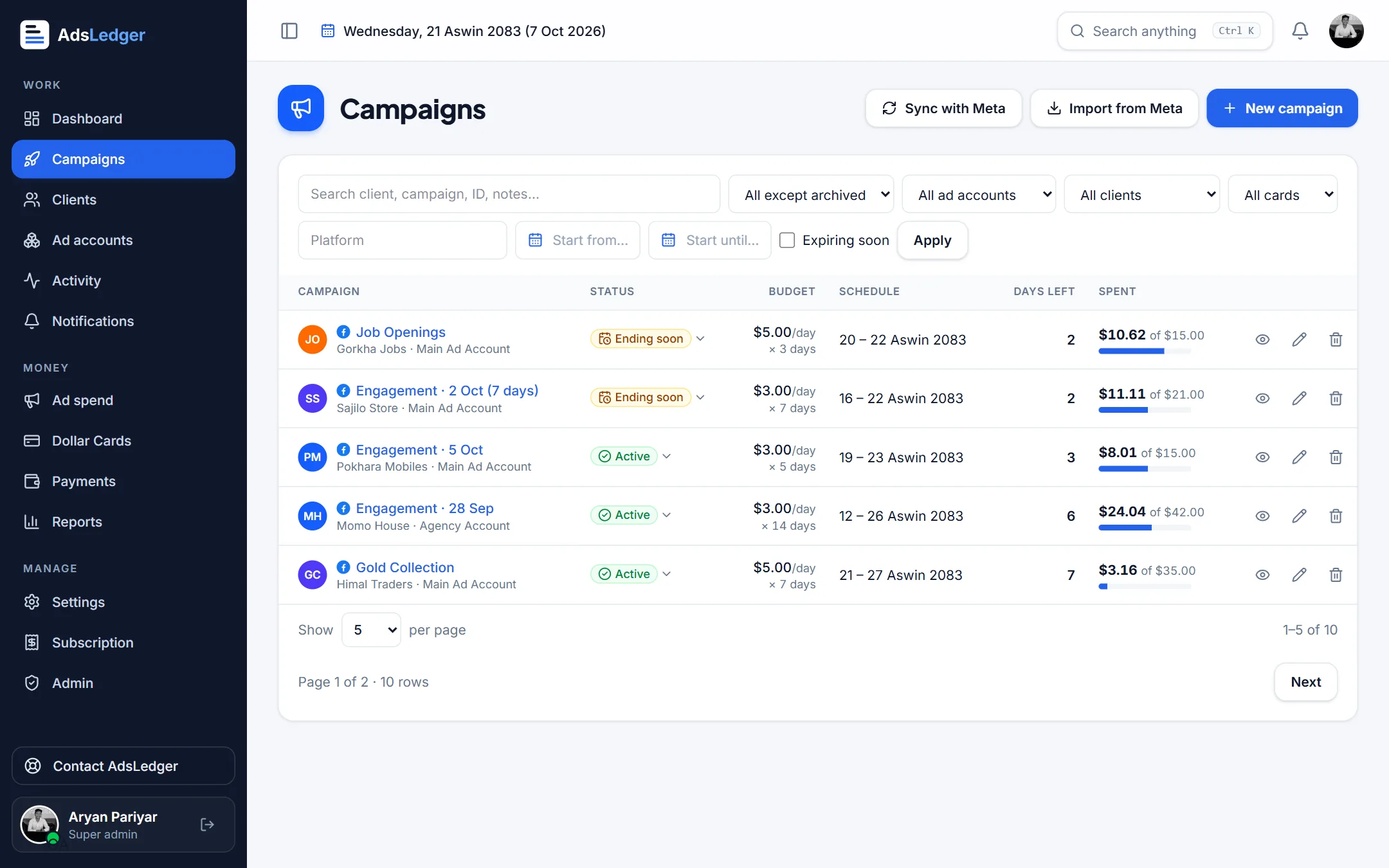
AdsLedger uses the same logic as the sheet above (client charge = daily budget × days × billing rate; profit = charge − ad cost − fees − other costs), but daily spend syncs from Meta, payments and dues sit with each client, and alerts arrive at 8 AM Nepal time. If you have been using a sheet, the getting started guide walks through moving your clients and cards across. It costs Rs. 249 a month after a 7-day free trial.

Frequently asked questions
Is there a free Facebook ads tracking spreadsheet template?
You can build one free in Google Sheets in about 20 minutes using the columns in this post: one row per campaign with budget, days, billing rate, actual spend, costs, profit and balance due.
What columns should a Facebook ads tracking sheet have?
At minimum: start date, client, campaign, daily budget, days, end date, billing rate, client charge, actual spend, cost rate, fees, profit, amount received and balance due. A status column and a dollar-card column help a lot.
How do I calculate profit on a Facebook ads campaign?
Profit = client charge − ad cost − fees − other costs. Client charge is daily budget × days × your billing rate; ad cost is actual spend × what a dollar cost you; fees are spend × card fee % × cost rate.
When should I stop using a spreadsheet for ad clients?
When daily data entry takes more than half an hour, card charges cover many campaigns, or you lose track of payments and end dates. At that point an app that syncs spend from Meta saves more time than it costs.
Sources
- SUMIFS function – Google Docs Editors Help
- SUMIF – Google Docs Editors Help
- About daily budgets – Meta Business Help Center
- Create a visualization in Ads Reporting (export options) – Meta Business Help Center
Fees, limits and rules change — always confirm with your bank, Meta or the Inland Revenue Department. Examples are illustrations, not quotes.
