
How to Track Ad Spend per Client: Spreadsheet vs Software
By Aryan Pariyar7 min read
Quick answer
To track ad spend per client, record each campaign's actual daily spend from Ads Manager against the client it belongs to, then match those totals to the charges on your dollar card. A spreadsheet works for a handful of clients; once you run many campaigns from shared cards and ad accounts, software that syncs spend and splits card charges saves hours and prevents mistakes.
Why it is hard to track ad spend per client
Most freelancers in Nepal want to track ad spend per client, but their setup works against them. One or two dollar cards pay for several ad accounts, and each ad account runs campaigns for many different shops, clinics and colleges.
Meta does not charge you once per campaign. It charges your card when your account reaches its billing threshold, and any remaining balance on your monthly billing date. So one card charge of, say, $50 can include spend from five different clients. Your bank statement tells you how much left the card, not who it was for.
On top of that, daily budgets are averages. Meta's help centre says it can spend more than your daily budget on some days and less on others, while keeping the week within seven times the daily budget. Planned budget and actual spend almost never match exactly.
The three numbers you need for every client
Whatever tool you use, per-client tracking comes down to three numbers per campaign:
- Planned budget: daily budget × days. This is what you billed the client.
- Actual spend: what Ads Manager reports the campaign spent, in USD.
- Rupee cost: actual spend × what a dollar really cost you (your card-load rate plus card fees).
Method 1: track ad spend per client in a spreadsheet
A Google Sheet is free and flexible, and it is how most operators start. Use one row per campaign, not one row per client, because a client may run three campaigns in a month.
- Create columns for date, client, Facebook Page, ad account, campaign name, daily budget, days, billing rate, client charge, actual spend and dollar card.
- Every day or two, open Ads Manager, set the date range, and copy each campaign's amount spent into its row. Ads Manager can also export table data to CSV or Excel.
- Use SUMIFS to total actual spend by client and by month, for example SUMIFS(spend column, client column, client name).
- When a card charge arrives, check that the spend rows for that ad account add up to the charge.
- At month end, compare client charge totals with rupee cost totals to see profit per client.
Where spreadsheets break down
Spreadsheets are fine for five clients. They start to hurt when the business grows, usually in these places:
- Manual copying. Every number you type from Ads Manager is a chance for a typo, and you have to do it every day.
- Split card charges. One Meta charge covering four campaigns has to be divided by hand.
- Extensions and early stops. When a client adds five days or stops on day four, you edit several cells and often forget one.
- Payments and dues live elsewhere. Spend is in one sheet, client payments in a notebook or WhatsApp, so nobody knows the true balance.
- No alerts. A sheet will not tell you that a campaign ends tomorrow or that a card is running low.
- Shared editing. When two team members edit the same sheet, rows get overwritten.
Method 2: software built for ad operators
Generic accounting software tracks money but does not understand campaigns, daily budgets or dollar cards. What you want is something that connects the three numbers above automatically.
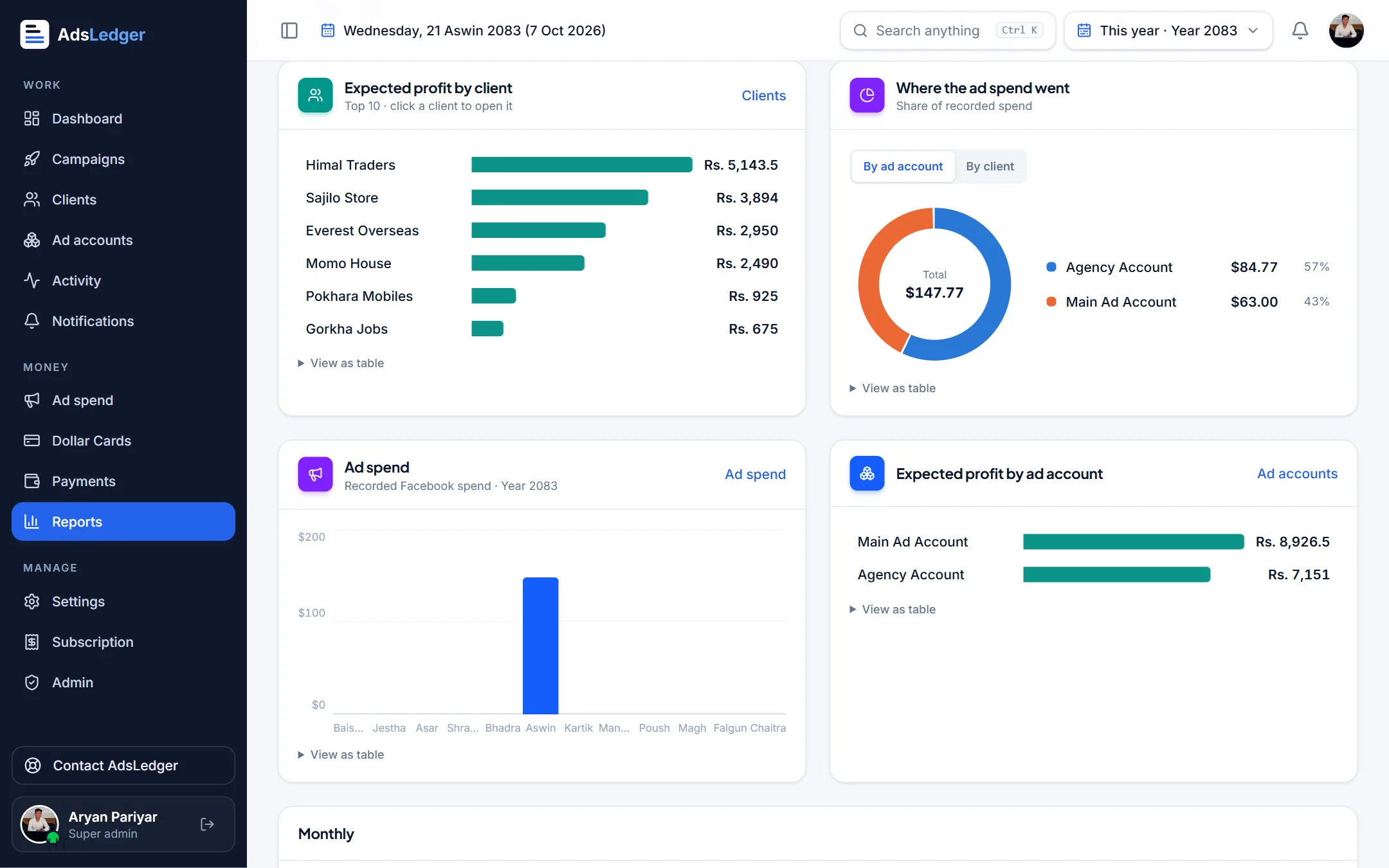
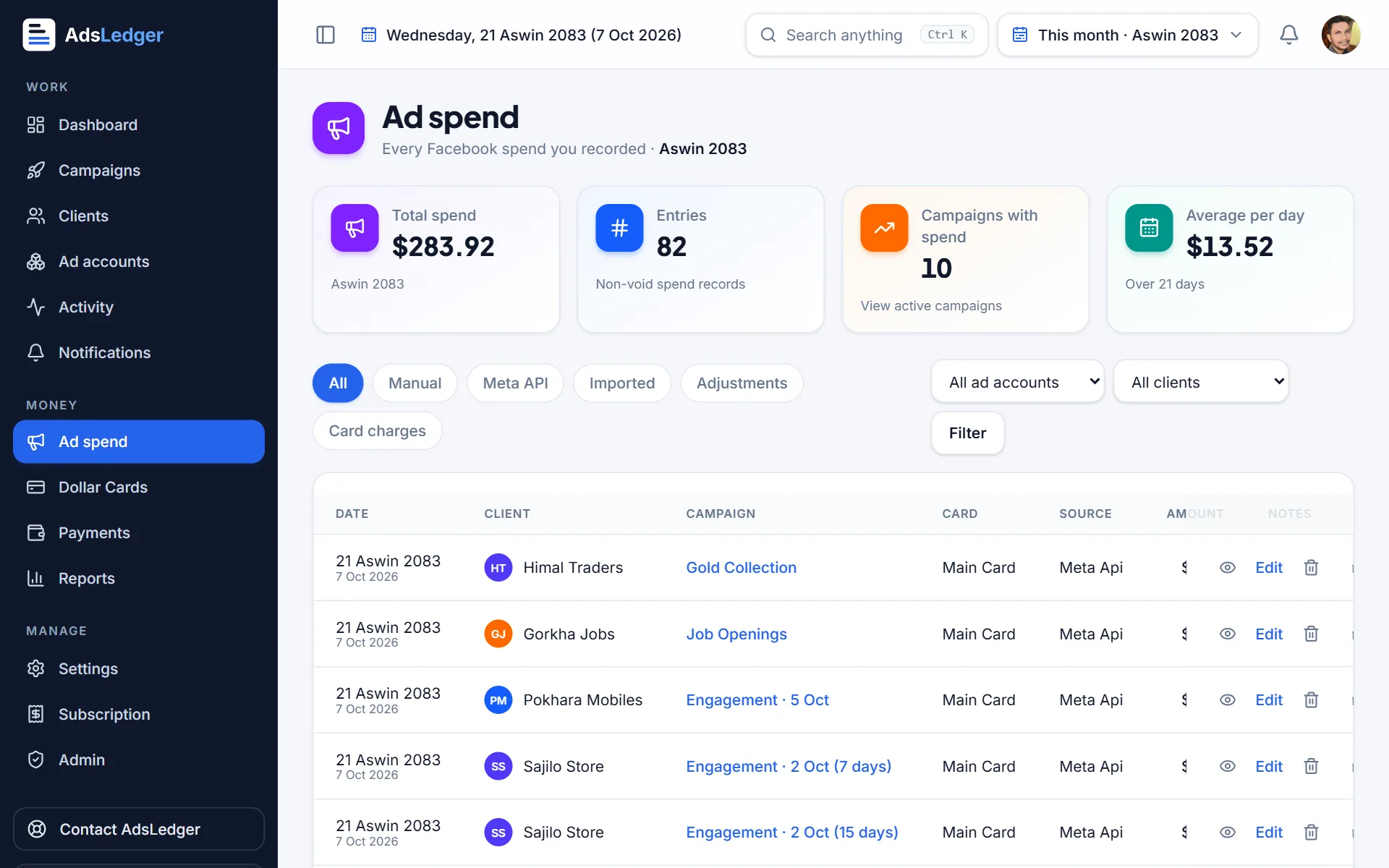
AdsLedger was built for this Nepal workflow. When you connect Meta Ads, daily spend syncs for each campaign and new campaigns are matched to clients by Facebook Page. You can split a Meta charge across the campaigns it paid for, and reports show profit by client, ad account and month.
The trade-off is cost and setup. AdsLedger is Rs. 249 per month after a 7-day free trial, and you need to spend an hour entering clients and cards. For most operators with more than ten active campaigns, the time saved on daily copying pays for that quickly.
A weekly reconciliation in five minutes
Whichever method you pick, the step most people skip is reconciliation: checking that what you recorded matches what actually left your card. Without it, small gaps grow into a month-end mystery.
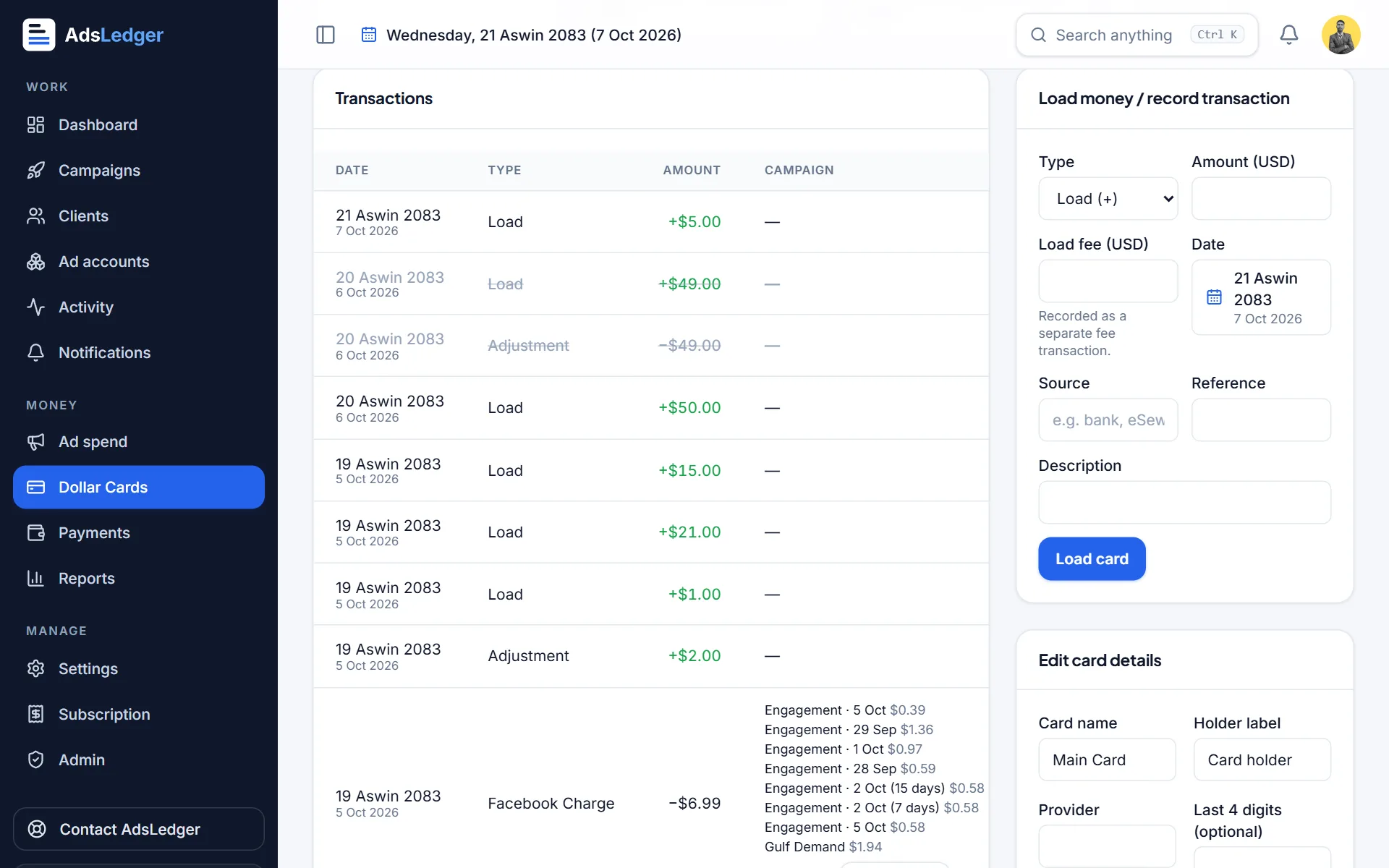
Do it once a week, on the same day. Open your card statement or bank SMS alerts, list every Meta charge from the week, and compare the total with the spend you logged for the ad accounts that card pays for. They will rarely match to the cent, because a charge can include spend from the previous week and may include taxes or fees, but they should be close. A gap bigger than a few dollars usually means a campaign you forgot to log, a client campaign running in the wrong ad account, or a charge you did not expect.
Spreadsheet vs software: a quick comparison
- Cost: spreadsheet is free; software has a monthly fee.
- Setup time: spreadsheet takes minutes; software takes about an hour.
- Daily effort: spreadsheet needs manual spend entry; synced software needs a quick review.
- Accuracy: spreadsheet depends on you; software calculates charges, costs and profit the same way every time.
- Best for: spreadsheet suits fewer than 5 to 10 campaigns; software suits anyone juggling many clients, cards or team members.
Habits that work with either method
- Name campaigns with the client name first, for example 'Sita Boutique – Dashain Messages', so spend is easy to match.
- Use one ad account per large client when possible, so card charges map cleanly.
- Log spend at the same time every day.
- Reconcile card charges weekly, not at month end.
- Keep exchange and card-fee rates up to date, because your rupee cost changes every time you load a card.
Frequently asked questions
How do agencies track ad spend per client?
They record each campaign's actual spend from Ads Manager against the client it belongs to, then reconcile the totals with card charges. Small operators use spreadsheets; larger ones use software that syncs spend from Meta automatically.
Can I see spend per client inside Facebook Ads Manager?
Only if each client has a separate ad account or clearly named campaigns. Ads Manager shows spend per campaign and per account, but it does not know which campaigns belong to which of your clients or what you billed them.
Why does my card charge not match my campaign spend?
Meta charges when you hit your billing threshold or on your monthly billing date, so one charge often covers several campaigns and days. Charges can also include taxes or card fees. Match charges to the spend rows for that ad account and period.
What is the best free way to track Facebook ad spend per client?
A Google Sheet with one row per campaign and SUMIFS totals by client and month. It works well for a few clients; it gets slow and error-prone as campaigns and cards multiply.
Sources
- About daily budgets – Meta Business Help Center
- How Meta charges for ads – Meta Business Help Center
- Adjust your payment threshold – Meta Business Help Center
- Create a visualization in Ads Reporting (export options) – Meta Business Help Center
- SUMIFS function – Google Docs Editors Help
Fees, limits and rules change — always confirm with your bank, Meta or the Inland Revenue Department. Examples are illustrations, not quotes.

