
How to Set Up Meta Business Manager in Nepal (2026)
By Aryan Pariyar7 min read
Quick answer
To set up Meta Business Manager in Nepal, go to business.facebook.com, open the menu under Home, click “Create a business portfolio”, enter your business name, your name and a business email, then add your Facebook Page, Instagram account and ad accounts in Settings. Meta now calls Business Manager a “business portfolio”, and the steps are the same in Nepal as anywhere else. The whole setup takes about 20 minutes.
Meta Business Manager setup in Nepal: what you are actually creating
This guide covers Meta Business Manager setup in Nepal for freelancers, small agencies and shop owners who run Facebook and Instagram ads. The short version: you sign in at business.facebook.com, create a business portfolio, and then move your Pages, Instagram accounts and ad accounts into it so they belong to the business instead of one person’s profile.
Meta renamed “Business Manager” to business portfolio, managed inside Meta Business Suite. Most Nepali tutorials and Facebook groups still say “Business Manager” or “BM”, so this post uses both names. They mean the same thing.
Why bother? Without a portfolio, your Page and ad account are tied to your personal profile. If that profile gets locked, hacked or the staff member who owns it leaves, you can lose the ad account, its history and its payment setup. A portfolio lets you add several admins, give staff limited access and keep client assets organised.
What you need before you start
You do not need a registered company to create a portfolio. Meta’s help centre says you can log in with your Facebook profile or a managed Meta account. Have these ready:
- A real, active Facebook profile in your own name, with two-factor authentication turned on (use an authenticator app, not only SMS).
- A business email you check every day. Meta uses it for security and billing notices.
- The exact public name of your business. Meta says the portfolio name should match your public business name and cannot contain special characters.
- Admin access to the Facebook Page and Instagram account you want to add.
- A payment method for ads, such as a dollar card from a Nepali bank. Limits on these cards are set by Nepal Rastra Bank rules and your bank, and they have changed over time, so check with your bank before you plan a large budget.
Step 1: Create the business portfolio
These steps follow Meta’s help article “Create a business portfolio in Meta Business Suite”. Menu names can move a little between updates, but the flow is the same.
- Go to business.facebook.com and log in with your Facebook profile.
- Click the dropdown menu below Home in the top left.
- Click Create a business portfolio.
- Enter the portfolio name. Use your public business name, for example “Himal Handicrafts”, not “Ram’s BM 2”.
- Enter your first and last name and your business email.
- Click Create (or Create portfolio) and confirm the email Meta sends you.
Step 2: Add your Facebook Page, Instagram and ad accounts
Open Settings in Meta Business Suite. Under Accounts you will see Pages, Ad accounts, Instagram accounts, Apps and more. For each asset you have three choices: add one you own, request access to one someone else owns, or create a new one.
Pages: if the Page is yours, add it so the portfolio owns it. If it is a client’s Page, choose request access instead. Never take ownership of a client’s Page; it causes disputes when the contract ends.
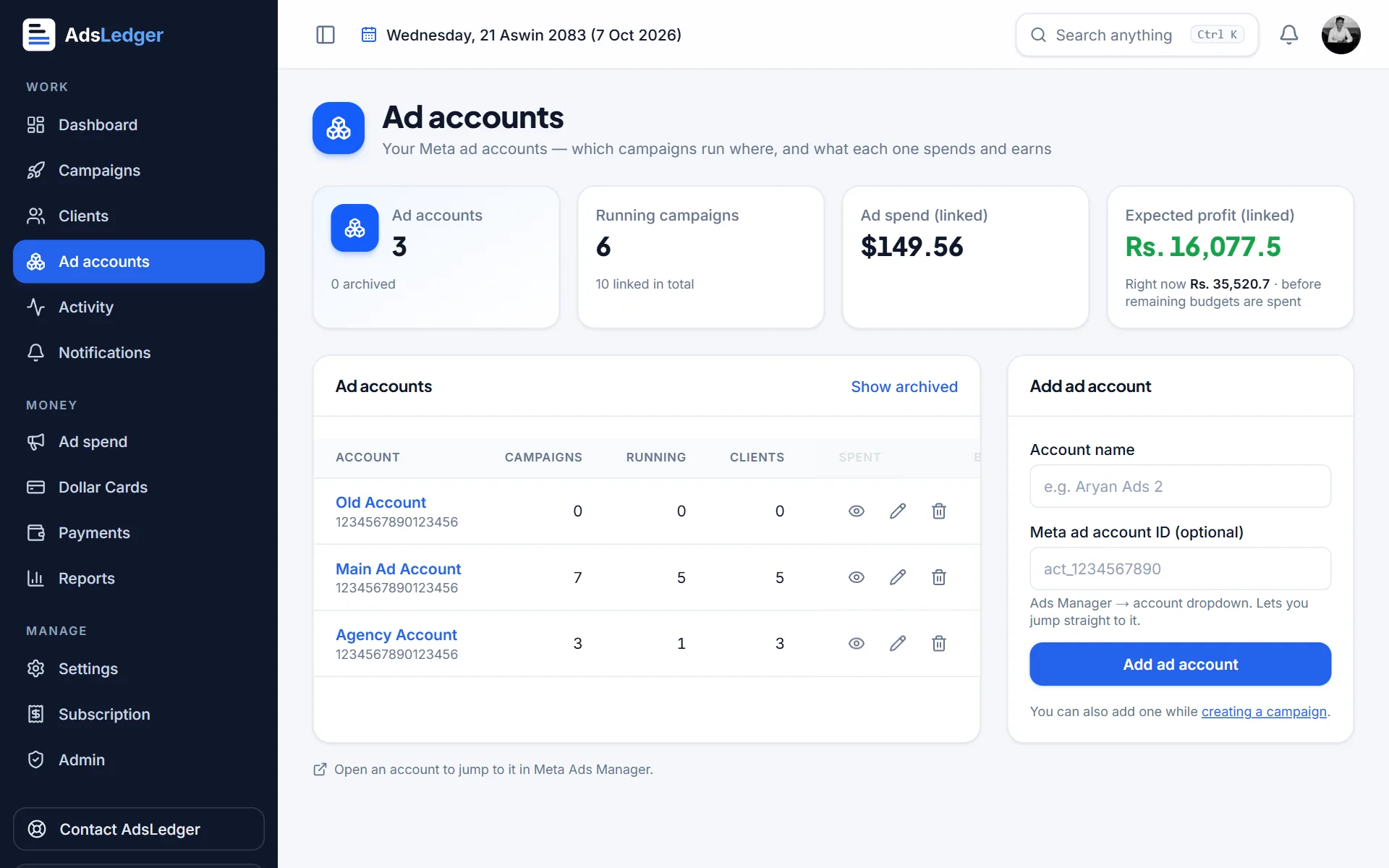
Ad accounts: add your existing ad account, or create a new one inside the portfolio. When creating, set the time zone to Asia/Kathmandu and choose the currency carefully. Most Nepali advertisers use USD because they pay with a dollar card. Time zone and currency are hard to change later; usually you have to make a new ad account.
Instagram: connect the Instagram professional account so ads can run on both platforms from one ad account.
Step 3: Add people with the least access they need
In Settings → People, invite staff by email. Meta lets you give either full control or partial access, and then assign specific assets. A good rule for a small Nepali agency:
- Two full-control admins (for example, the owner and one trusted partner) so you are never locked out if one profile has a problem.
- Everyone else gets partial access to only the Pages and ad accounts they work on.
- Remove people the same day they leave. Old staff with admin access are one of the most common ways small agencies lose accounts.
Step 4: Business verification (optional but useful)
Business verification is not required to run normal ads. It becomes useful when you want higher limits on some features, the WhatsApp Business Platform or certain developer tools. Meta checks your legal business name, address and phone or website against official documents.
Meta’s accepted-document list is country specific. Its help pages make clear that self-made documents, invoices, letterheads and website printouts are not accepted, and that a utility bill alone is not enough. For a Nepali business, an official registration certificate and PAN/VAT certificate are the natural documents to try, but Meta does not publish a Nepal-specific list in its main article, so follow what the verification screen asks for. Make sure the legal name matches your documents exactly, including spelling.
Step 5: Connect your portfolio to your tracking
Once ads run, you will want to know what each client spent and what you earned. Meta shows spend in USD; your client pays you in rupees, and your dollar card has fees. Keeping that in a spreadsheet gets messy fast.
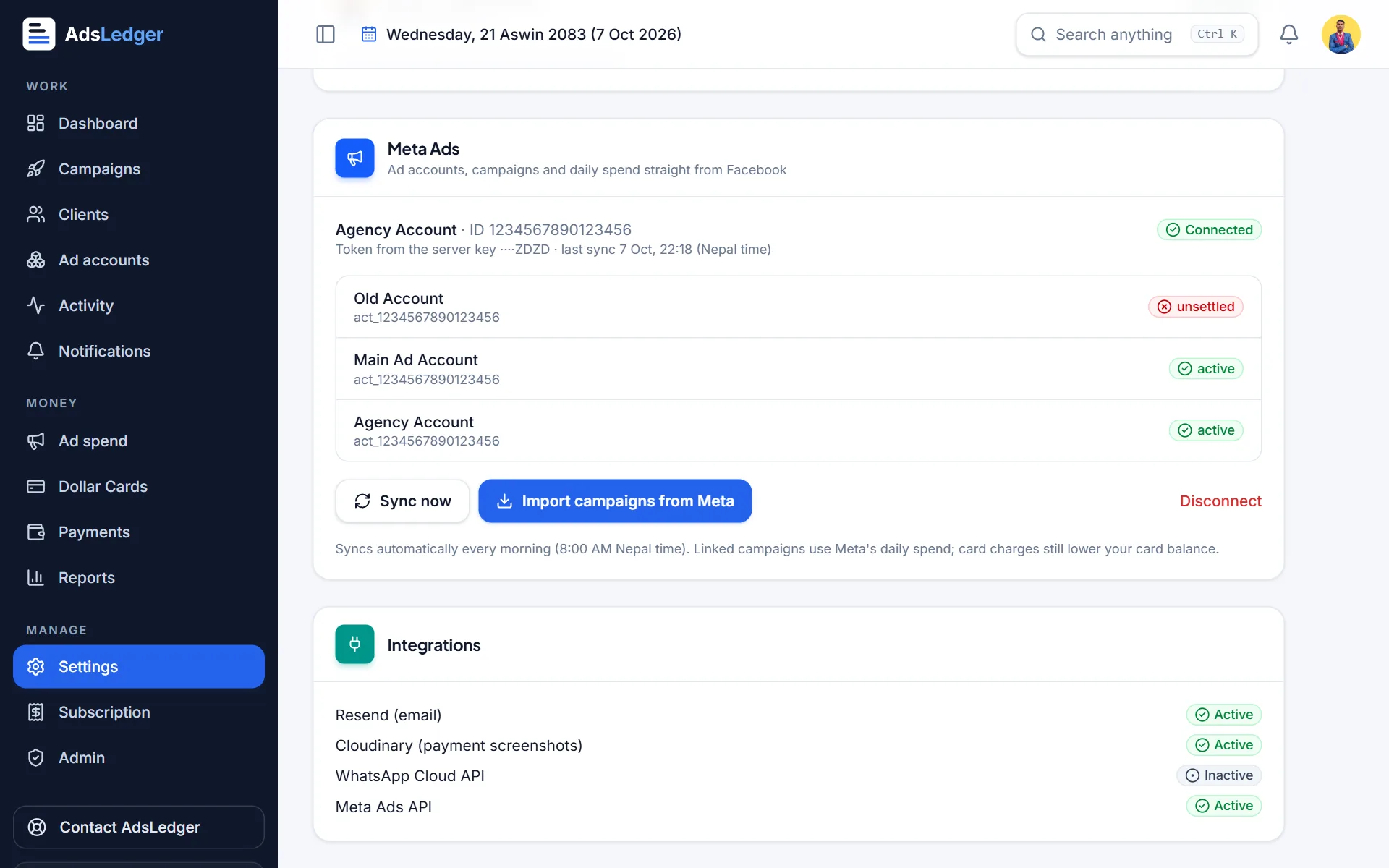
If you use AdsLedger, you connect the portfolio with two things: your Business ID and a System User token. Read how to find your Meta Business ID and how to create a System User access token, then follow the Connect Meta Ads tutorial. AdsLedger then syncs daily spend and results for every ad account you assigned.
Common mistakes Nepali advertisers make
If an account does get restricted, read our guide to Facebook ad account disabled in Nepal before you appeal.
- Creating a new portfolio every time something goes wrong. Repeated new portfolios and ad accounts from the same profile can look suspicious to Meta’s systems.
- Logging in from many devices, shared cyber-café computers or VPNs. Unusual logins are a common trigger for security checks.
- Using one dollar card on many unrelated ad accounts owned by different people.
- Choosing the wrong ad account currency or time zone and then needing a new account.
- Only one admin. If that person loses access, nobody can fix it.
Frequently asked questions
Is Meta Business Manager free in Nepal?
Yes. Creating a business portfolio in Meta Business Suite is free. You only pay for the ads you run, charged to the payment method on each ad account.
Do I need a registered company to create a Business Manager?
No. Meta lets you create a business portfolio with your Facebook profile and a business email. A registered business only matters if you want to complete business verification later.
How many Business Managers can I create?
Meta’s help centre says you can personally create up to 2 business portfolios. There is no limit on how many portfolios you can be added to, which is how agencies work with clients.
What is the difference between Business Manager and Meta Business Suite?
Meta Business Suite is the tool; the business portfolio (formerly Business Manager) is the account inside it that owns your Pages, ad accounts and people. You manage the portfolio from Settings in Business Suite.
Which currency should a Nepali ad account use?
Most Nepali advertisers pick USD because they pay with a dollar card. Check what your card supports first, because changing currency later usually means creating a new ad account.
Sources
- Create a Business Portfolio in Meta Business Suite
- About Business Portfolios
- Add People to a Business Portfolio and Assign a Business Asset
- Add a Facebook Page to your business portfolio
- Verify Your Business in Meta Business Suite
- Which documents are required for incorporated and/or registered business entities
- Nepali banks can issue prepaid dollar cards now: basics you need to know (Onlinekhabar)
Fees, limits and rules change — always confirm with your bank, Meta or the Inland Revenue Department. Examples are illustrations, not quotes.

