
Facebook Boost Post vs Ads Manager: Which Should You Use?
By Aryan Pariyar6 min read
Quick answer
Use Boost Post when you just want an existing post seen by more people quickly, with simple targeting. Use Ads Manager when the goal is messages, leads or sales, when you need placements beyond the feed, or when you want to test different ads. For paying clients, Ads Manager is usually the better default because it gives more control and clearer results.
Boost post vs Ads Manager: the quick answer
In the boost post vs ads manager choice, the difference is control. A boosted post takes a post already on the Page and pays to show it to more people, with a few goals and basic targeting. Ads Manager builds a campaign from scratch, with more objectives, placements, formats and testing.
Both use the same ad auction and the same payment method. The question is how much control you need for the result your client is paying for.
What Boost Post does well
Boosting is the fastest way to advertise on Facebook or Instagram. You pick a post, a goal, an audience, a budget and a duration, and you are done in a couple of minutes, often from a phone.
When you boost, Meta typically offers goals such as more messages, more website visitors, more engagement, or automatic. For a shop that already has a strong post and just wants more people to see it and send a message, that can be enough.
Boosting also suits clients who post often and want a few of their best posts pushed each week. You can pick the post that is already getting organic comments and put a small budget behind it, which is often cheaper than designing a new ad from zero.
- Very quick to set up, even from the Page or mobile app.
- Uses a post that already has likes and comments (social proof).
- Good for simple goals: engagement, profile visits, messages, link clicks.
- Easy for a client to understand.
Where Boost Post falls short
Boosted posts do not have all the customisation features of Ads Manager. Guides from Hootsuite and Metricool list the same limits: fewer objectives, simpler targeting, fewer formats and limited testing.
None of this makes boosting wrong. It just means a boost is a shortcut with fewer controls, and you give up some ability to explain and improve results. For a client paying every month, that ability is usually worth the extra few minutes in Ads Manager.
- Objectives: no full conversion or sales objectives tied to a pixel or catalogue.
- Targeting: mostly demographics, interests and location; less use of custom and lookalike audiences.
- Formats: built around the existing post, so carousels, lead forms and product ads are limited.
- Testing: hard to compare two headlines or images side by side.
- Reporting: fewer breakdowns, which makes it harder to explain results to a client.
What Ads Manager gives you
Ads Manager is where campaigns are built from scratch. You choose an objective (awareness, traffic, engagement, leads, app promotion or sales), set the audience, choose placements across Facebook, Instagram, Messenger and more, and add one or several ads.
One Nepal-focused 2026 guide reports that video ads run through Ads Manager with the right conversion objective tend to produce conversions at roughly half the cost of static boosted posts. That is one practitioner's observation, not a rule, but it matches what many operators see once they test.
- Separate campaign, ad set and ad levels, so you can test audiences and creatives.
- Messages ads that open Messenger, WhatsApp or Instagram Direct.
- Lead forms, carousels and catalogue ads.
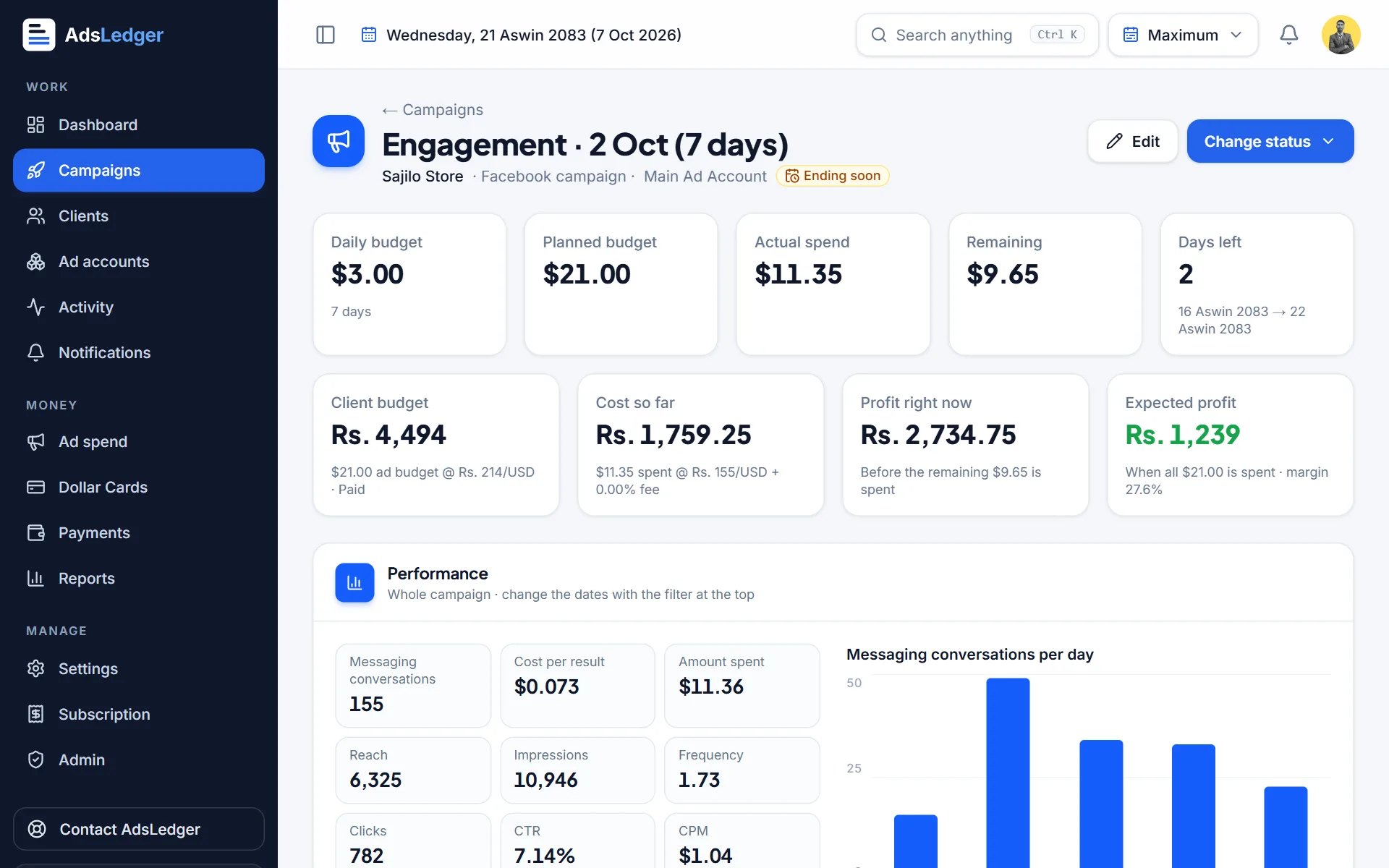
- Detailed columns such as cost per result, reach, frequency, CTR and CPM.
Which one to use for each client goal
- 'Make my post seen by more people' → Boost Post is fine.
- 'I want more messages from people in Kathmandu' → Ads Manager messages campaign, or a boost with the messages goal for a very small budget.
- 'I want leads for my consultancy or institute' → Ads Manager with a lead form or messages.
- 'I want online sales' → Ads Manager with a sales objective and a pixel on the website.
- 'I want to test two posters' → Ads Manager, two ads in the same ad set.
Cost: is one cheaper than the other?
Neither option has a different price per impression. You pay the same auction prices. What changes is how well the spend is used. A boost aimed at engagement may get cheap likes but expensive messages. A campaign built for messages can cost more per impression but less per message.
That is why the result you report matters. If a client pays for messages, report cost per message, not likes.
A simple workflow for paid client campaigns
Many Nepali operators settle on a mixed approach: quick boosts for small one-off requests, and Ads Manager for regular clients and anything with a budget large enough to test. Whichever you use, follow the same steps so results are comparable from one campaign to the next.
- Agree the goal with the client: messages, leads, sales or reach.
- Pick the tool: Boost Post for a single existing post and a simple goal; Ads Manager for everything else.
- Set the objective to match the goal, not to whatever looks cheapest.
- Set location and age to the people the business can actually serve.
- Use two creatives in Ads Manager when the budget allows, and keep the better one after a few days.
- Report spend, results and cost per result at the end.
Keeping client results organised
Whichever way you run ads, clients mainly want to know what their money did. Share the same few numbers every time: spend, result count, cost per result and reach.
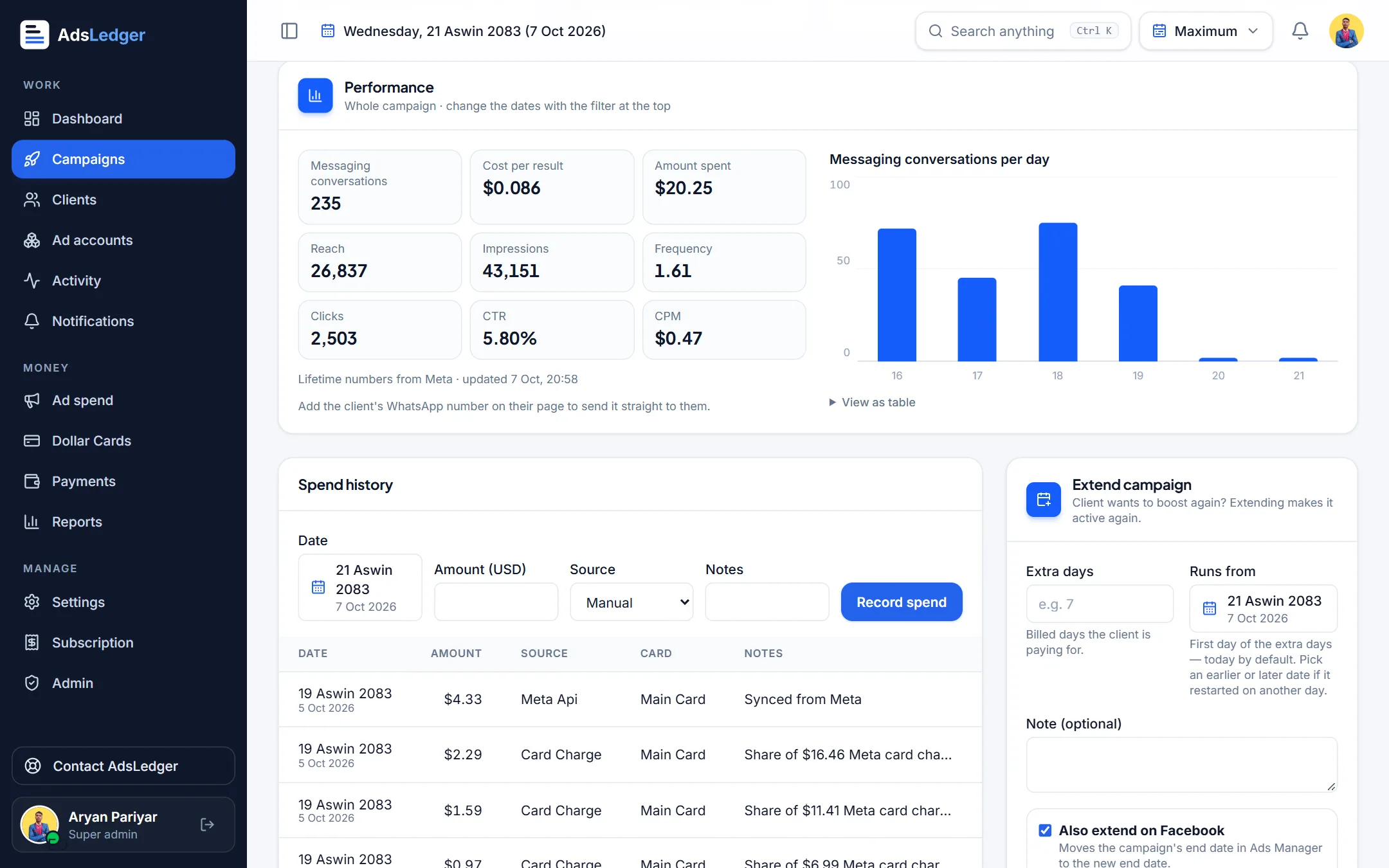
If you connect your Meta Business account to AdsLedger, campaigns from Ads Manager and boosts come in with daily spend and results, and you can send a results message to the client on WhatsApp. See the connect Meta Ads tutorial.
Frequently asked questions
Is boosting a post the same as running an ad?
A boosted post is a type of ad, but it is created from an existing post with fewer settings. Ads Manager campaigns are built from scratch with more objectives, placements, formats and testing.
Is Ads Manager better than boosting for messages?
For most paid client work, yes, because you control the messages objective, placements and creatives and can test them. For a very small, one-off budget, a boost with the messages goal can be enough.
Do boosted posts cost more?
The auction price is the same. Boosts can cost more per useful result if their goal does not match what the client wants, such as optimising for engagement when the client needs messages.
Can I edit a boosted post in Ads Manager?
Boosted posts appear in Ads Manager, where you can view results and make some changes. For full control over objectives and testing, create the campaign in Ads Manager from the start.
Sources
- Boosted posts vs. ads: What's the difference? - Hootsuite
- Differences between boosted posts and ads - Metricool
- What's the difference between boosted posts and ad campaigns on Facebook and Instagram - Digital Culture Network
- About Boosted Posts - Meta Business Help Center
- Meta Ads Guide for Nepal Businesses in 2026: Stop Boosting, Start Converting - Bimal RP
Fees, limits and rules change — always confirm with your bank, Meta or the Inland Revenue Department. Examples are illustrations, not quotes.

